
Exploreing apps that promise cheaper calls and text messages, but understanding how FreeTone actually works is important before you rely on it. Its free calling options have specific eligibility requirements, and some features, destinations, or account options may involve restrictions or additional costs. In this guide, you’ll learn the FreeTone Calls and Texting working process, how to set up the app, how to make calls and send messages, and what to check before using it regularly.
Key Takeaways
-
FreeTone is a calling and texting app that uses internet-based communication technology to connect users with supported phone numbers and other app users.
-
The FreeTone setup process involves installing the official application, registering an account, and configuring the available calling and messaging features.
-
FreeTone’s free calling options primarily cover eligible US and Canadian phone numbers, subject to residency requirements, destination restrictions, and the current terms of service.
-
An internet connection is essential for app-based communication, so connection quality and device settings can affect calls and messages.
-
FreeTone is not necessarily free for every feature or destination. Advertisements, in-app purchases, number-related options, and additional calling features may have separate conditions.
-
Privacy and account security matter because communication apps can process personal information, messages, device information, and other data.
-
Users should test FreeTone before relying on it and confirm current availability, costs, and supported destinations through the official app listing and help center.
What Is FreeTone Calls and Texting?
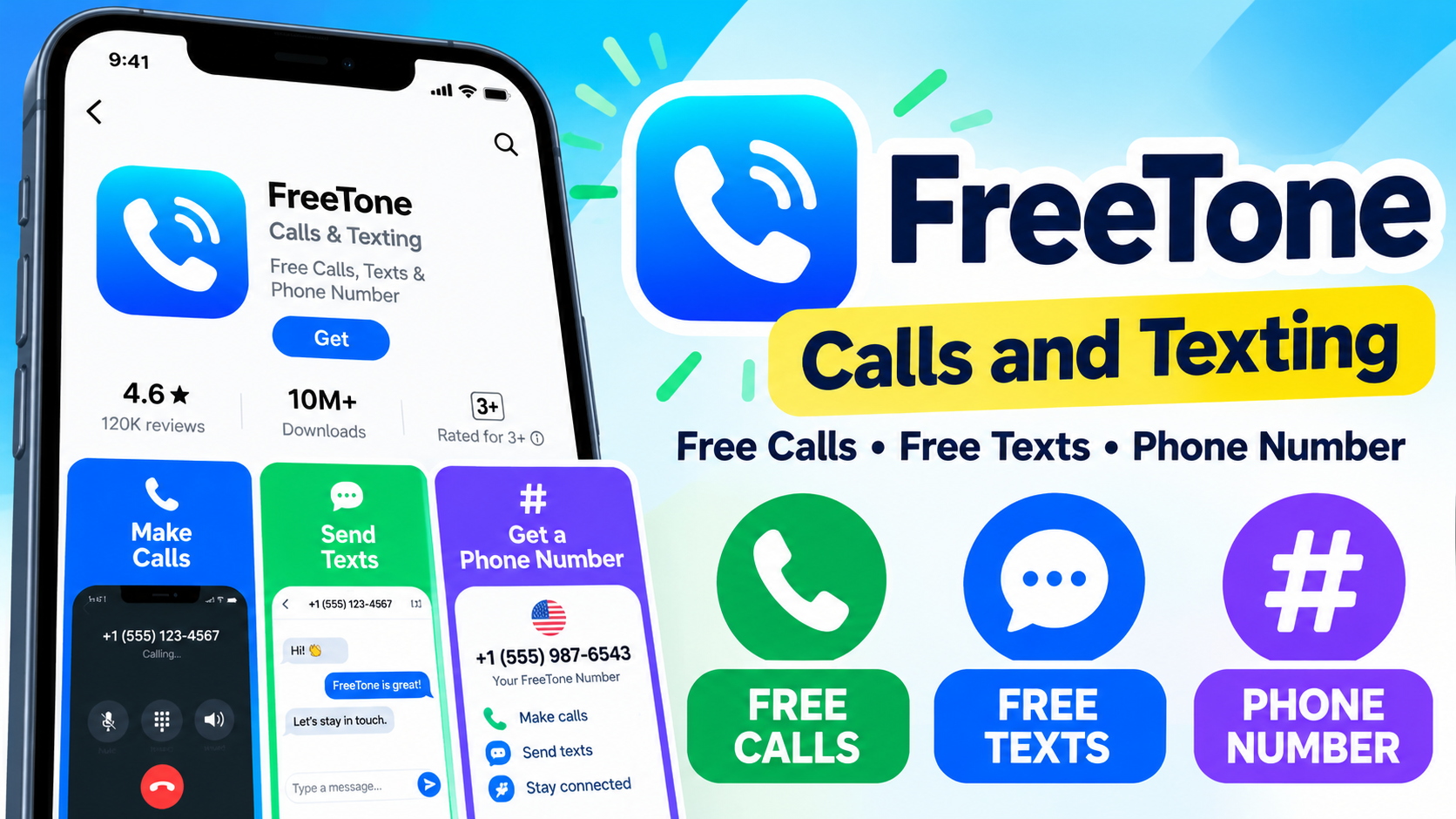
FreeTone is a calling and texting application that uses VoIP technology to connect users with supported phone numbers and other FreeTone users. VoIP stands for Voice over Internet Protocol, a technology that carries voice communication over an internet connection instead of relying exclusively on a traditional cellular voice network. FreeTone is developed by TextMe, Inc., and its official app listing describes calling, SMS texting, picture messaging, and a phone-number feature.
For example, a person with a compatible device and an eligible FreeTone account may use the app to call a supported US or Canadian phone number over Wi-Fi rather than placing that call through their regular mobile calling plan.
What Does the FreeTone App Do?
FreeTone combines several communication features in one application, although the features available to an individual account depend on eligibility and current service conditions.
The official Google Play listing describes these capabilities:
-
Internet-based calling: Place supported calls through the application.
-
SMS messaging: Send text messages to supported destinations.
-
Picture messaging: Share images through supported messaging features.
-
Phone-number functionality: Obtain a number where the service and account are eligible.
-
Voicemail: Use voicemail features associated with an eligible number.
-
Additional communication features: Access options such as group messaging and video communication where supported.
These features are described in the developer’s listing, but availability and eligibility can vary.
Is FreeTone the Same as a Traditional Mobile Phone Service?
FreeTone is an app-based communication service, while a traditional mobile carrier provides cellular service through its network and plan. A FreeTone number and a number supplied by your mobile carrier may both be used to communicate with other phone numbers, but they do not necessarily share the same network, billing arrangements, or service capabilities.
For example, a user may have a regular SIM card for mobile data and use FreeTone for eligible internet-based calls. The two services can coexist, but FreeTone does not automatically replace the user’s carrier subscription.
| Feature | FreeTone | Traditional mobile service |
|---|---|---|
| Communication method | Internet-based features | Cellular voice and messaging, depending on plan |
| Internet connection | Required for app communication | Not always required for conventional cellular voice or SMS |
| Phone number | App-provided number where eligible | Number provided by a carrier |
| Cost structure | Free features, restrictions, and possible purchases | Carrier plan, usage charges, or included allowances |
| Availability | Depends on app, account, destination, and eligibility | Depends on carrier coverage and plan |
The important distinction is that an app-based phone number does not guarantee that every conventional phone service will work identically. Verify compatibility before using an app number for important calls, account verification, or services that require a carrier-issued number.
Why Does Understanding the FreeTone Working Process Matter?
Understanding the FreeTone working process helps users identify which features they can use, what they may cost, and which requirements apply to their accounts. A free calling application can be useful, but the word “free” does not necessarily describe every destination, feature, or subscription option.
For example, a user who lives outside the United States and Canada might install FreeTone expecting unrestricted access to a free US phone number. However, the official app listing states that free US and Canadian calling and texting are limited to eligible residents of those countries.
How Can FreeTone Help Reduce Calling Costs?
FreeTone can help eligible users avoid some conventional calling charges when they use features covered by its free calling offer. Its official help center describes free calls to US and Canadian phones, while also noting that limitations apply.
For example, someone who regularly calls a supported US number may benefit if their account qualifies for the free calling feature. Someone calling a destination outside the supported free bundle may face different requirements.
The practical benefit depends on the destination and the user’s eligibility, not simply on installing the app.
Why Should You Check Eligibility Before Registering?
Eligibility matters because FreeTone’s advertised features are not necessarily available under identical conditions worldwide.
Before creating an account, check these points:
-
Whether the application is available in your country.
-
Whether you qualify for the advertised free number.
-
Which outgoing calls and messages are included.
-
Whether international destinations require credits or other payments.
-
Whether incoming calls have usage limits or extension fees.
-
Whether the app requires specific operating-system versions or permissions.
These checks are particularly important for users in India and other countries outside the United States and Canada. Do not assume that a feature advertised in a US app-store listing is available to every international user.
How Does FreeTone Work for Calls and Text Messages?
FreeTone uses internet-based communication to connect users with supported phone numbers and other app users. Its help center specifically states that FreeTone uses VoIP technology to connect users with real phones.
In practical terms, the application handles the communication process through its service rather than requiring every outgoing call to use the phone’s ordinary cellular calling function.
What Is the FreeTone Calling Process?
The FreeTone calling process typically follows this sequence:
1. Install and register
Download the official app and complete the required account setup.
2. Configure the account
Check number availability, permissions, and supported features.
3. Connect to the internet
Use a suitable Wi-Fi or mobile data connection.
4. Start a call or message
Choose a contact or enter a supported destination.
5. Communicate through FreeTone
The service processes the communication subject to its features and restrictions.
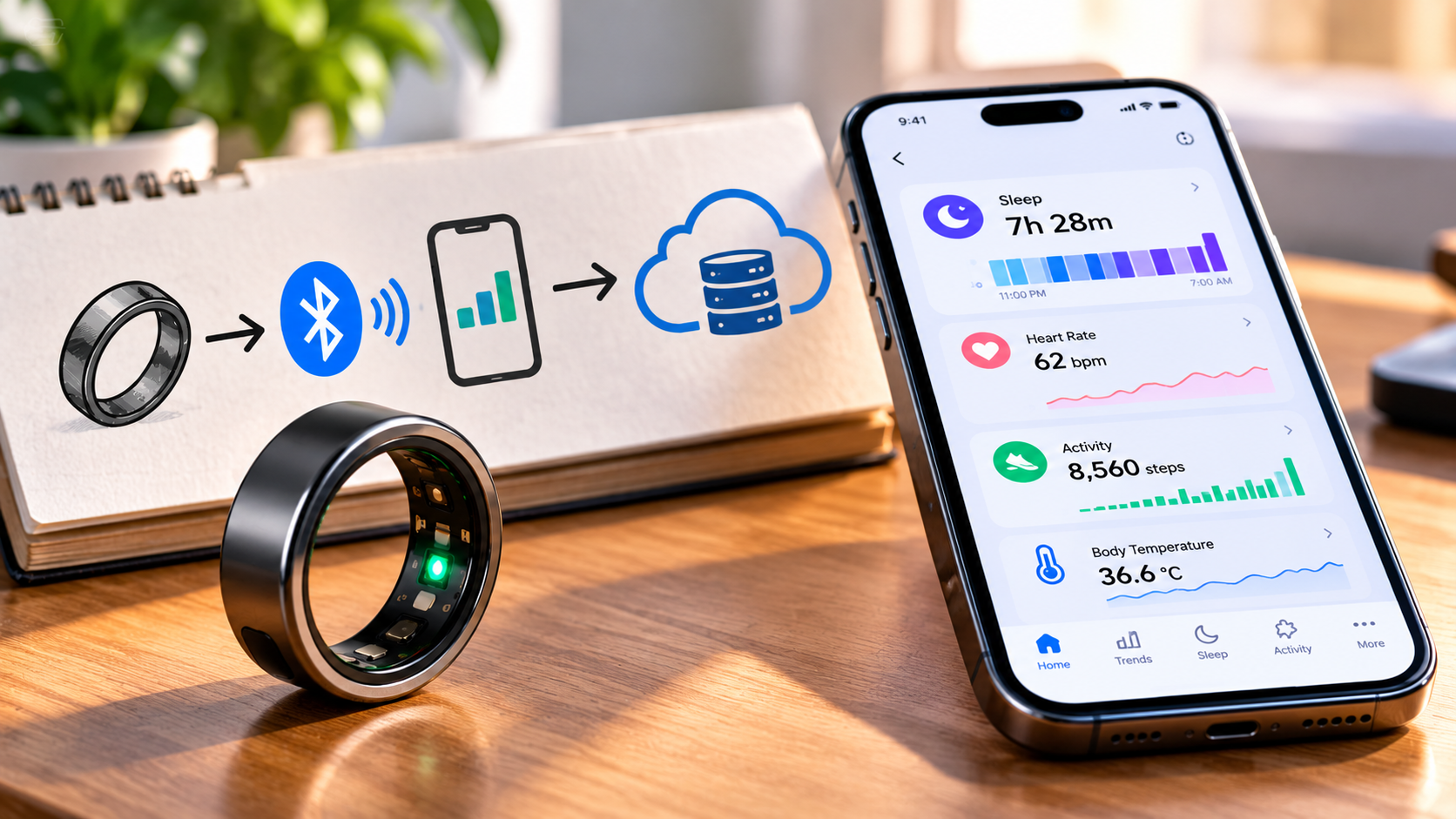
FreeTone working process: a simplified conceptual workflow, not a screenshot of the app.
For example, when an eligible user places a supported call, the app sends the call request through its internet-based service. The service then attempts to connect the call to the destination number.
A stable internet connection supports reliable app communication, but it does not guarantee that every call will connect. The destination, account status, network conditions, and service restrictions can all affect the result.
Does FreeTone Require an Internet Connection?
Yes, FreeTone’s internet-based calling and messaging features require a working internet connection. Users can generally connect through Wi-Fi or mobile data, depending on their device and the app’s requirements.
For example, a user connected to reliable home Wi-Fi may place a supported call without using the cellular voice minutes included in a traditional plan. However, the Wi-Fi connection itself still needs internet access.
Keep these points in mind:
-
Wi-Fi can reduce mobile data usage when available.
-
Mobile data allows app communication away from Wi-Fi.
-
Weak or unstable connectivity may cause delays, dropped calls, or failed messages.
-
A mobile carrier may charge for data according to the user’s plan.
-
Internet access alone does not remove FreeTone’s account or destination restrictions.
How Is FreeTone Different From WhatsApp or Other Internet Calling Apps?
FreeTone’s key distinction is its phone-number-based calling and texting functionality for supported destinations, rather than requiring every recipient to use the same messaging application. WhatsApp and similar services primarily connect users through their respective accounts and app ecosystems, while FreeTone advertises calls and SMS to eligible regular phone numbers.
For example, a FreeTone user may be able to call a supported landline or mobile number, while an internet call through another messaging app may require the recipient to use that same app.
However, the services are not interchangeable in every situation. Their number requirements, eligibility, international availability, privacy practices, and charges differ.
How Do You Download and Set Up FreeTone?
Setting up FreeTone involves installing the official application, registering an account, and configuring the communication features available to you. The exact registration screens and requirements can change between app versions and operating systems.
Step 1: Download the Official FreeTone App
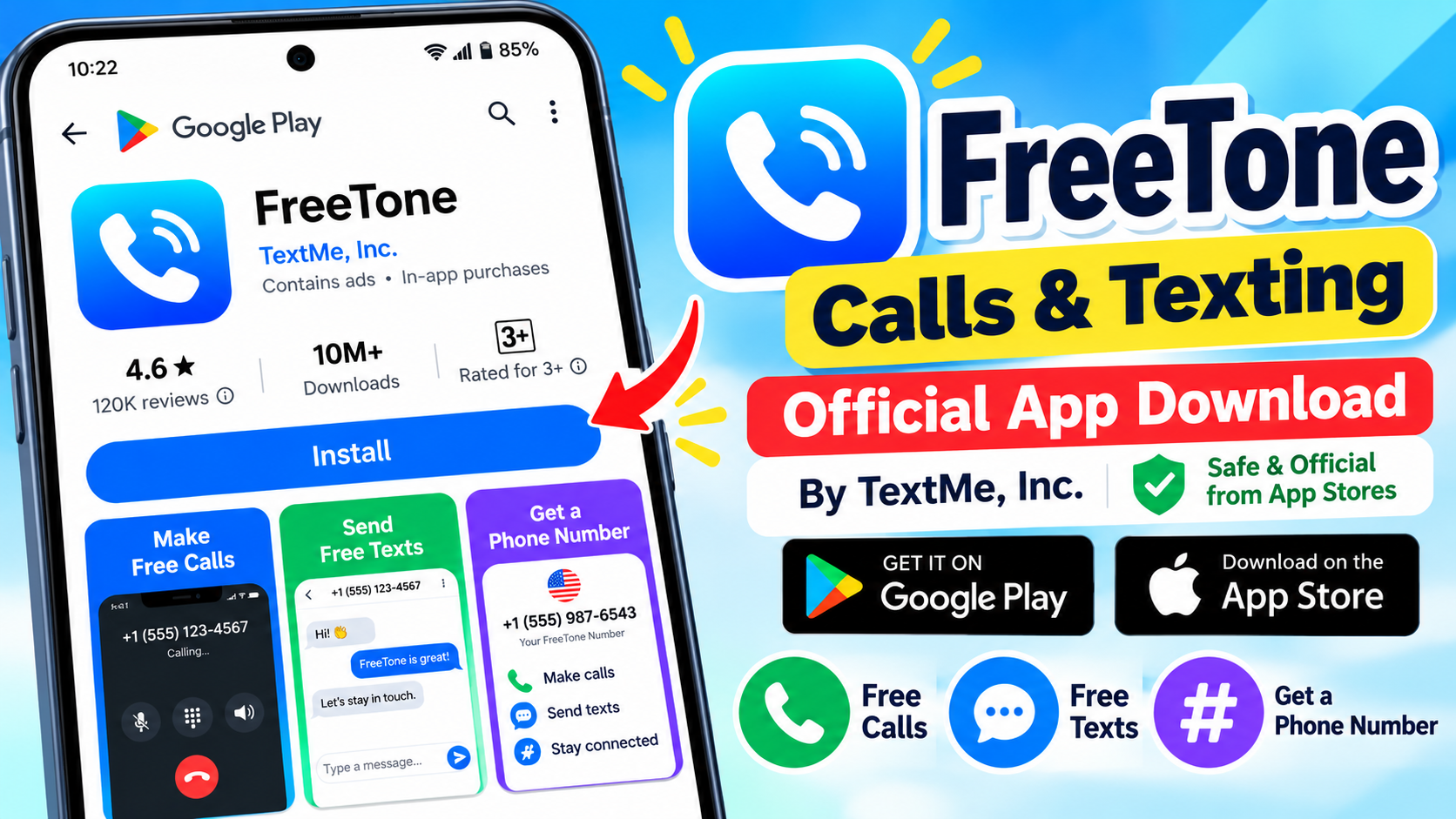
First, open the appropriate official app store and search for FreeTone Calls & Texting by TextMe, Inc.
-
Android: FreeTone on Google Play
-
iPhone or iPad: FreeTone on the Apple App Store
-
Support: FreeTone Help Center
Check the developer name before downloading. Avoid unofficial installation files or websites that promise modified versions with unlimited paid features.
Step 2: Open the App and Register
Second, launch FreeTone and follow the registration instructions displayed on your device. The official app listing describes account registration options, including email and supported third-party sign-in methods. Available options may change over time.
For example, if the app offers email registration, enter an email address you can access and complete any verification step it requests.
During registration:
-
Read the account terms and privacy information.
-
Complete the available registration process.
-
Verify your account if prompted.
-
Avoid sharing verification codes with other people.
-
Check whether your location qualifies for the features you want to use.
Successful registration does not automatically guarantee access to every free calling feature. Account eligibility and destination restrictions still apply.
Step 3: Check Whether You Can Obtain a Phone Number
Third, check the number-selection screen if the app offers one for your account. FreeTone advertises phone-number functionality and the ability to choose an area code under eligible conditions.
For example, an eligible user may be offered available numbers associated with a particular area code. The choices displayed in your account determine what you can actually select.
Before continuing, verify:
-
Whether a number is available without payment.
-
Whether the number requires a subscription or purchase.
-
Whether the number is available in your location.
-
Whether any retention or renewal conditions apply.
Do not purchase a number merely because the app displays it as an option. Review the price and recurring-payment terms first.
Step 4: Configure Permissions and Notifications
Fourth, allow only the permissions needed for the features you plan to use. Depending on the device and the app version, FreeTone may request microphone access, notifications, or contact access.
For example, microphone permission may be necessary for voice calls, while notifications help you notice incoming calls and messages.
On Android, review the app’s permissions through the system settings. On iPhone, check FreeTone’s permissions in the Settings app.
Step 5: Test the App Before Regular Use
Finally, test the service using a contact and destination you’re permitted to reach. Start with a short call or text instead of immediately relying on FreeTone for an important conversation.
For example, you can test whether a supported call connects, whether the other person can hear you, and whether notifications arrive correctly.
A successful test confirms that a particular feature works under those conditions; it does not prove that all destinations or features will work.
How Do You Make a Phone Call Using FreeTone?
Making a call with FreeTone generally involves opening the calling interface, selecting or entering a supported number, and starting the call. The exact controls may differ across app versions.
Step-by-Step Process for Making Calls
First, open FreeTone and locate its calling interface or dial pad. If the app requests microphone permission, grant it if you want to make voice calls.
Second, choose a saved contact or enter the recipient’s phone number. Confirm the country code and number format where applicable.
Third, check whether the destination is covered by your account’s free calling offer or requires another payment method. This step matters most when calling international numbers or destinations outside the standard free bundle.
Fourth, tap the call control and wait for the service to connect. If the call fails, check the error message and account restrictions before trying again.
Finally, end the call when the conversation is finished.
For example, an eligible user calling a supported US number may be able to use FreeTone’s advertised free calling feature. A user attempting an unsupported destination may encounter restrictions or a payment requirement instead.
Can You Receive Calls Through FreeTone?
FreeTone advertises incoming calls to its app-provided phone numbers, subject to the service’s conditions. However, the developer’s listings describe limits on complimentary incoming-call minutes and the possibility of an extension fee.
For example, someone who receives frequent calls should check the current incoming-call allowance before distributing their FreeTone number widely.
Also, keep notifications enabled if you want to receive call alerts. The Apple App Store listing warns that disabled push notifications can prevent users from receiving calls and messages as expected.
How Do You Send Text Messages Using FreeTone?
FreeTone supports SMS and picture messaging for eligible destinations, subject to the app’s current features and restrictions. The developer describes SMS and MMS functionality, including picture sharing, but availability is not identical for every account or country.
Step-by-Step Process for Sending a Text
First, open the messaging section in FreeTone. Select an existing conversation or start a new message if the feature is available.
Second, choose a recipient from your contacts or enter a phone number. Check the destination carefully, particularly if you’re sending a message internationally.
Third, type your message in the text field. If you want to send a picture, use the supported attachment option and review any associated restrictions.
Fourth, tap Send and wait for the app to process the message. Check the conversation for a delivery indicator or error message, if available.
Finally, confirm that the intended recipient received the message if the conversation is important.
For example, a user sending a short text to an eligible US number may be able to use the advertised free messaging feature. A message to a different destination may follow different rules.
Does FreeTone Support Picture Messages?
FreeTone advertises picture messaging and multimedia messaging capabilities, but users should confirm availability and any restrictions before sending media. A picture message may require more data than a plain text message, and delivery can depend on the destination and supported features.
For example, sending a photograph over mobile data can consume more data than sending a short text. Using Wi-Fi can help avoid consuming your mobile data allowance, although the app’s own charges and restrictions still apply.
Are FreeTone Calls and Text Messages Completely Free?
FreeTone advertises free calls and texts for eligible US and Canadian users, but not every feature, destination, or account option is necessarily free. The official app listing and help center both describe limitations and eligibility conditions.
The distinction between free core features and paid extras is essential when evaluating the service.
Which FreeTone Features Are Advertised as Free?
The official listing identifies several features as free under applicable conditions:
-
Outgoing calls to eligible US and Canadian numbers.
-
Text messaging to supported destinations.
-
Picture messaging where included.
-
Communication with other FreeTone users.
-
Certain phone-number and voicemail features for eligible accounts.
These descriptions are subject to geographic, account, destination, and service restrictions. Always confirm the current conditions in the official listing and help center.
Which Features May Require Payment?
The app stores identify FreeTone as an app containing advertisements and in-app purchases. The Apple App Store listing includes paid options related to credits, premium features, and phone numbers.
Possible payment-related areas include:
-
Calling destinations outside the free bundle.
-
Credits for eligible paid communication features.
-
Number-related purchases or subscriptions.
-
Premium features or advertising-removal options.
-
Extensions to certain incoming-call allowances.
The exact prices and availability can change by platform, account, and region. Therefore, the following table explains what to verify rather than promising that every feature is available at a particular price.
| Feature | What to check |
|---|---|
| Eligible US and Canadian outgoing calls | Residency eligibility and supported destinations |
| Incoming calls | Complimentary allowance and extension fees |
| SMS and picture messages | Destination support and account restrictions |
| International calling | Whether the destination is included or requires credits |
| Phone number | Eligibility, purchase price, and renewal conditions |
| Premium options | Subscription price and automatic-renewal terms |
| Advertising | Whether ads appear and whether removal is paid |
How Can You Avoid Unexpected FreeTone Charges?
First, inspect the purchase screen before confirming any transaction. Look for a one-time price, recurring billing period, renewal date, and cancellation instructions.
Second, check your device’s subscription-management settings after purchasing a feature. Deleting an app does not necessarily cancel an active subscription.
Third, review the app’s current terms and any destination-specific charges before making international calls.
For example, if an option says that a phone number is available for a recurring fee, don’t assume the displayed price is a one-time payment. Confirm the billing period before proceeding.
A free download does not mean that every optional feature is free. This distinction is important for any app that includes advertising and in-app purchases.
Does FreeTone Provide a Phone Number?
FreeTone advertises a phone-number feature that allows eligible users to obtain a number for supported calling and texting services. The official app listings describe number selection and voicemail, although the availability of a free number depends on the applicable eligibility rules.
How Does a FreeTone Phone Number Work?
A FreeTone number is associated with the app’s communication service rather than being simply another SIM-based number from your mobile carrier.
For example, you may be able to share an eligible FreeTone number with someone who wants to call or text you. The other person may not need to install FreeTone for supported calls to ordinary phone numbers.
However, the number is not guaranteed to work for every purpose. Some banks, websites, verification systems, and other services restrict app-based or virtual numbers.
Before using the number for account recovery or important communications, check whether the service accepts it. Also, confirm the number’s retention and renewal conditions so you understand what happens if you stop using the app.
Can You Use FreeTone for International Calls?
FreeTone supports communication with some international destinations, but free calling is not available for every country or number. Its official help center distinguishes free calls between FreeTone users from calls to ordinary phone numbers, which may be free or require credits depending on the destination.
For example, a call between two FreeTone users may qualify for the service’s free app-to-app calling feature, while a call to an international mobile number may have different requirements.
Before making an international call, check:
-
Whether the destination country is supported.
-
Whether the recipient’s number is eligible.
-
Whether credits or another payment option are required.
-
Whether the feature is available from your current location.
-
Whether any usage limits or fair-use rules apply.
International availability and international pricing are separate questions. An app can support communication with a country without making every call to that country free.
Can Users in India Use FreeTone’s Free US Calling Features?
Users in India should be particularly careful about the difference between downloading the app and qualifying for its advertised free calling bundle.
The official FreeTone listings state that free calls and texts to US and Canadian numbers are available only to eligible residents of those countries.
For example, an Indian user may be able to find the app listing, but that alone does not establish eligibility for a free US or Canadian number or unrestricted calling.
Check the current app-store availability, registration requirements, and terms applicable to your location. If the service does not offer the features you need in India, compare alternatives that explicitly support your country.
Is FreeTone Safe and Private to Use?
FreeTone’s safety and privacy depend on its data practices, account security, permissions, and the way you use the service. The Google Play listing provides developer-supplied information about data collection, data sharing, encryption in transit, and deletion requests. These disclosures should be reviewed before registration.
What Information Might FreeTone Collect?
The app’s Google Play data-safety disclosure indicates that the service may collect personal information, messages, and other categories of data, and may share certain information with third parties. It also states that data is encrypted in transit and that users can request data deletion.
These disclosures do not, by themselves, establish that the service is unsafe. They indicate that users should understand the app’s privacy practices before sharing sensitive information.
For example, someone using a calling app for personal conversations should review its privacy policy and determine whether its data practices match their expectations.
How Can You Protect Your Privacy?
Use these practical precautions:
-
Download the app from an official source.
-
Use a strong, unique password where password-based login is available.
-
Enable available account-security protections.
-
Grant only the permissions needed for your intended features.
-
Avoid sharing verification codes or account credentials.
-
Review the privacy policy and data-safety disclosures.
-
Check how to request account or data deletion.
-
Avoid sending highly sensitive information unless the service’s protections meet your needs.
Encryption in transit does not automatically mean that every conversation is end-to-end encrypted. Do not assume that FreeTone offers end-to-end encryption unless the developer’s current documentation explicitly confirms it for the relevant communication feature.
What Are the Main Limitations of FreeTone?
FreeTone’s main limitations include geographic eligibility, destination restrictions, internet dependence, advertisements, and possible charges for selected features. Understanding these limitations helps users decide whether the service suits their everyday communication needs.
| Potential limitation | What it means for users |
|---|---|
| Geographic eligibility | Some advertised free features are restricted to eligible US and Canadian residents. |
| International calling | Some destinations may require credits or have other conditions. |
| Incoming-call allowance | Complimentary incoming minutes may be limited. |
| Internet dependence | App-based calls and messages require connectivity. |
| Advertising | The free experience may include advertisements. |
| Paid extras | Some numbers, credits, or premium options may involve purchases. |
| Number compatibility | Certain verification services may reject app-based numbers. |
| Notifications | Disabled notifications may interfere with call or message alerts. |
These limitations are based on the developer’s current app listings and help documentation; specific terms may change.
For example, a person who needs reliable communication for work should test incoming calls, notifications, and number compatibility before making FreeTone their primary contact method.
How Do You Fix Common FreeTone Calling and Texting Problems?
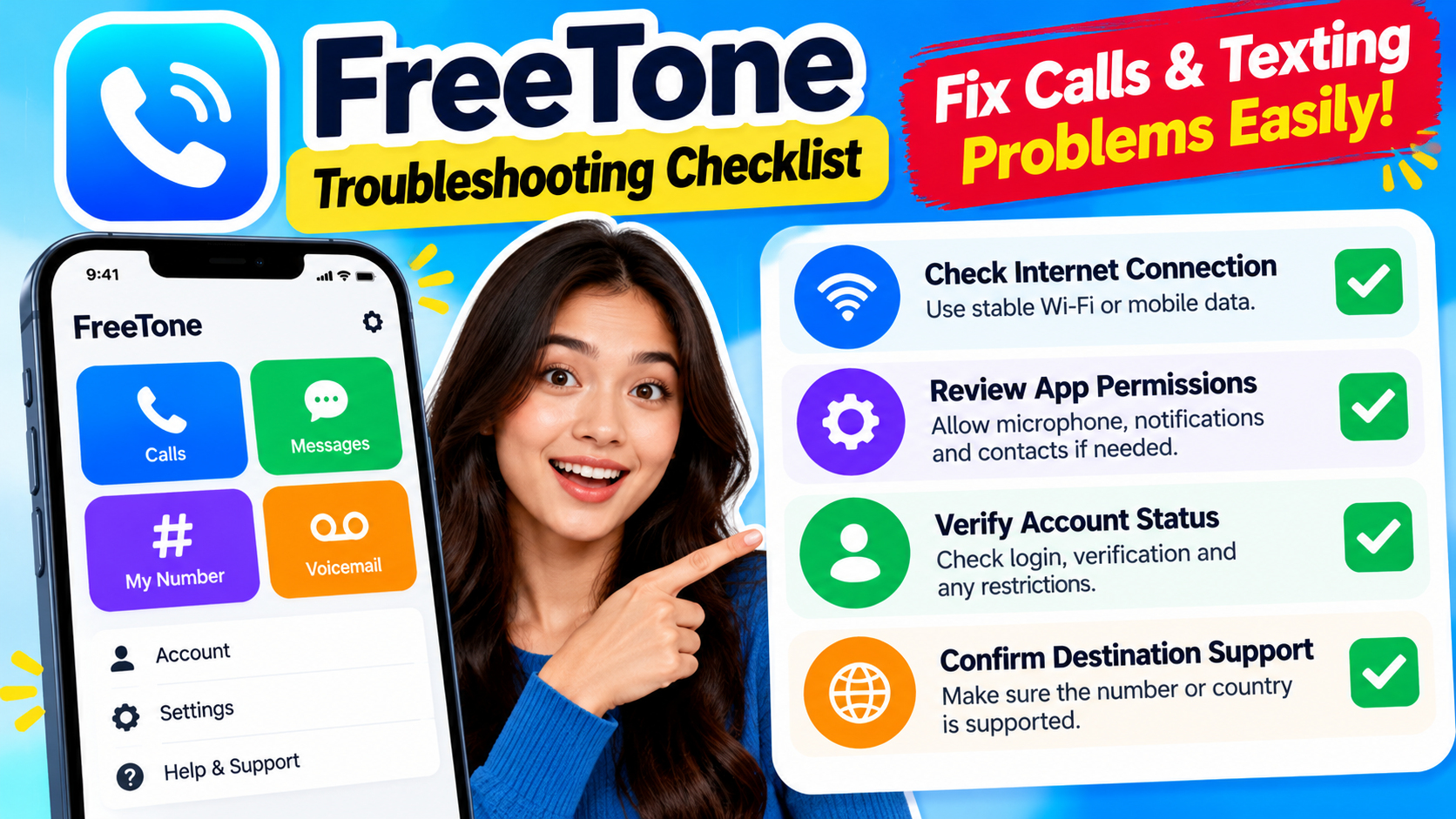
FreeTone troubleshooting starts with checking internet connectivity, app permissions, account status, and destination eligibility. These checks help distinguish device problems from restrictions imposed by the service.
Why Are FreeTone Calls Not Connecting?
A failed call can result from an unstable internet connection, incorrect number formatting, unavailable destinations, missing permissions, or account restrictions.
Try the following steps in order:
-
Check your connection. Open another application that requires internet access to see whether your connection is working.
-
Verify the number. Confirm the country code and recipient number.
-
Check your account. Look for verification requests, account warnings, or payment requirements.
-
Review microphone permission. Make sure FreeTone can access your microphone.
-
Update the app. Install an available update from the official app store.
-
Restart the app. Close it, reopen it, and test the call again.
-
Check destination eligibility. Confirm that the number is supported under your account’s conditions.
For example, if the app works on Wi-Fi but not on mobile data, investigate your mobile data connection and app-specific data restrictions before assuming the service itself is unavailable.
Why Are FreeTone Text Messages Not Sending?
Failed text messages may be caused by connectivity problems, incorrect recipient details, account restrictions, unsupported destinations, or temporary service issues.
First, verify the recipient number and internet connection. Next, check whether the message is still pending or whether the app displays an error.
If you are sending a picture, try a simple text message to determine whether the problem affects all messages or only multimedia content.
Also, check notification settings if messages appear to arrive without alerts. The Apple App Store listing specifically warns that disabled push notifications can affect message and call notifications.
What Should You Do If the Problem Continues?
If basic troubleshooting does not resolve the issue, consult the FreeTone Help Center.
Before contacting support, collect the following information:
-
Your device model and operating-system version.
-
The FreeTone app version.
-
A description of the problem.
-
The approximate time the issue occurred.
-
Any displayed error message.
Do not include passwords, verification codes, or unnecessary personal information in a support request.
What Tools and Practical Tips Help You Use FreeTone Successfully?
A compatible device, reliable internet connection, correct permissions, and access to official support are the most useful resources for getting started with FreeTone. These basics help users determine whether the app works for their needs without purchasing unnecessary features.
Which Tools Should You Use?
You do not need a complicated technical setup to test an app-based calling service. Start with the following resources.
-
FreeTone’s official app listing: Check availability, features, compatibility, and purchase disclosures.
-
FreeTone Help Center: Review account, calling, messaging, and billing guidance.
-
Device settings: Check app permissions, notifications, and mobile data restrictions.
-
Wi-Fi or mobile data: Use a stable connection and investigate connectivity problems if calls fail.
-
Subscription settings: Review recurring payments and cancel unwanted subscriptions through the relevant platform.
What Is a Practical Way to Test FreeTone?
A simple test helps you assess whether the service works before using it regularly.
Imagine you want an additional way to communicate with a permitted contact. You install FreeTone, complete registration, and check whether a suitable number is available.
Next, you verify the calling and messaging conditions, place a short eligible call, and send a test message. You then confirm that the other person received the communication and that no unexpected purchase was required.
Finally, you review notifications, incoming-call behavior, and account terms. This process gives you a practical understanding of the features available to your account without assuming that all advertised features will work in every location.
What Should You Do Before Using FreeTone Regularly?
Before relying on FreeTone, verify eligibility, pricing, privacy, number availability, and the reliability of the features you need. A short setup and testing process can help you avoid problems later.
Use this checklist before making the app part of your daily routine.
FreeTone readiness checklist
For example, if you need an app for international business calls, confirm the destination and applicable charges before using it for client conversations. If you need a secondary number for personal communication, check whether the number is available to you and whether it remains active under the service’s terms.
The best calling app is the one that meets your communication needs at a cost and privacy level you understand.
Conclusion: Is FreeTone Suitable for Your Calling and Texting Needs?
FreeTone can be useful for eligible users who want app-based calling, texting, and phone-number functionality, but its suitability depends on location, destination, pricing, and account requirements. The app uses VoIP technology for supported calls, offers messaging features, and provides additional options that may vary by account.
The working process is straightforward: download the official app, register, check number availability, configure permissions, connect to the internet, and test the calling and messaging features you intend to use.
However, free calling should not be confused with unrestricted worldwide service. The developer’s listings specify eligibility requirements for the free US and Canadian calling bundle, while certain additional features may have separate conditions or charges.
If you are considering FreeTone, begin by checking the official app listing and help center. Test the features available in your location, review privacy and payment terms, and compare alternatives if the service does not meet your requirements.
A few minutes of verification can help you choose a communication app that works for your needs without unwanted surprises.
Official Sources and Further Reading
Editorial note: Product features, eligibility, and prices can change. Verify the official listings and terms again before publishing. The Google Play listing reported more than 10 million downloads when checked for this article; this is an app-store figure, not an independent measure of active users.


1 thought on “FreeTone Calls and Texting | Guide to How It Works in 2026”