
Find the best Android tablets 2026, from premium flagships to budget picks. Compare performance, displays, battery life, software, and value. Android tablets in 2026 are more capable than ever, with flagship processors, high-refresh-rate displays, AI features, and laptop-style accessories. The problem is that impressive specifications do not automatically make one tablet right for you. In this guide, we’ll compare the best Android tablets 2026, explain which models suit gaming, studying, productivity, entertainment, and creative work, and show you exactly what to check before buying.
Key Takeaways
- Android tablets in 2026 range from affordable entertainment devices to premium productivity and gaming machines, so the best choice depends on your needs and budget.
- Tablet performance depends heavily on the processor, RAM, storage, and software optimization rather than on any single specification.
- Display quality matters for streaming, gaming, reading, drawing, and productivity, making screen technology, size, resolution, and refresh rate important buying factors.
- Software support affects a tablet’s long-term value because security updates and Android upgrades can determine how useful the device remains over time.
- Stylus and keyboard support can turn a tablet into a more capable device for note-taking, creative work, studying, and productivity.
- The best Android tablet is determined by your primary use case, budget, preferred screen size, performance requirements, and accessory needs.
- A good buying decision compares real-world usability and total value instead of choosing a tablet based only on processor specifications or brand reputation.
What Are the Best Android Tablets in 2026?
An Android tablet is a touchscreen computing device that uses Google’s Android operating system and can be used for entertainment, productivity, gaming, education, communication, and creative work. In 2026, the category includes everything from affordable 10- to 12-inch tablets to premium devices with flagship processors, OLED displays, stylus support, keyboards, and desktop-style multitasking.
First, the best Android tablet in 2026 is not necessarily the most expensive model; it is the tablet that provides the right combination of performance, display quality, battery life, software support, storage, and accessories for your specific needs.
For example, a student may get more value from a Galaxy Tab S10 FE than from a Galaxy Tab S11 Ultra because the FE model already provides S Pen support, microSD expansion, strong battery capacity, and long software support at a much lower price. Samsung lists the Tab S10 FE with an 8,000mAh battery and security updates through April 2032.
At the premium end, the Galaxy Tab S11 Ultra pushes the category much further. Samsung lists a 36.99 cm Dynamic AMOLED 2X display, 120Hz refresh rate, 11,600mAh battery, microSD support up to 2TB, and security updates through September 2032. – Source: Samsung India, 2026.
Best Android Tablets 2026 at a Glance
| Tablet | Best For | Display | Processor | Battery | Key Advantage |
|---|---|---|---|---|---|
| Samsung Galaxy Tab S11 Ultra | Premium productivity | 14.6″ AMOLED, 120Hz | Flagship-class octa-core | 11,600mAh | S Pen + DeX + premium display |
| OnePlus Pad 3 | Performance & gaming | 13.2″ 3.4K LCD, 144Hz | Snapdragon 8 Elite | 12,140mAh | High performance and fast charging |
| HONOR MagicPad4 | Premium creativity | 12.3″ 3K OLED, 165Hz | Snapdragon 8 Gen 5 | 10,100mAh | OLED + ultra-thin design |
| Lenovo Yoga Tab Plus | Work & entertainment | 12.7″ 3K LCD, 144Hz | Snapdragon 8 Gen 3 | 10,200mAh | Keyboard, pen and strong speakers |
| Samsung Galaxy Tab S10 FE | Students & value | 10.9″ LCD, up to 90Hz | Exynos 1580 | 8,000mAh | S Pen + IP68 + updates |
| Xiaomi Pad 7 | Mid-range value | 11.16″ 3.2K LCD, 144Hz | Snapdragon-class platform | — | Excellent display/value balance |
| Redmi Pad 2 Pro 5G | Budget & battery | 12.1″ 2.5K LCD, 120Hz | Snapdragon 7s Gen 4 | 12,000mAh | Large battery + 5G |
Specifications and availability vary by market and configuration. Always verify the exact regional model before purchasing.
Why Are the Best Android Tablets in 2026 Important?
Choosing the right Android tablet matters because the processor, display, software support, battery, and accessories determine how useful the device will remain after the excitement of the first few weeks wears off. A tablet that looks impressive on a specification sheet can still be a poor purchase if it does not match your actual workflow.
First, software longevity is one of the most important long-term buying factors. Samsung’s Galaxy Tab S11 Ultra, for example, is listed with security support through September 2032, while OnePlus says the Pad 3 receives three Android OS updates and six years of bi-monthly security updates.
Second, accessories can change what a tablet is capable of doing. A keyboard can make email and document work easier, while a pressure-sensitive pen can make the same tablet useful for handwritten notes, illustration, annotations, and design.
For example, the OnePlus Pad 3 supports the OnePlus Stylo 2, while the Lenovo Yoga Tab Plus supports the Lenovo Tab Pen Pro and an optional keyboard.
Third, display quality directly affects everyday experience. A high-refresh-rate panel makes scrolling and supported games feel smoother, while OLED technology can provide deeper blacks and stronger contrast.
For example, the Xiaomi Pad 7 uses an 11.16-inch 3.2K LCD with an adaptive refresh rate up to 144Hz, while Samsung’s Tab S11 Ultra uses a Dynamic AMOLED 2X panel with a 120Hz refresh rate.
Which Are the Best Android Tablets to Buy in 2026?
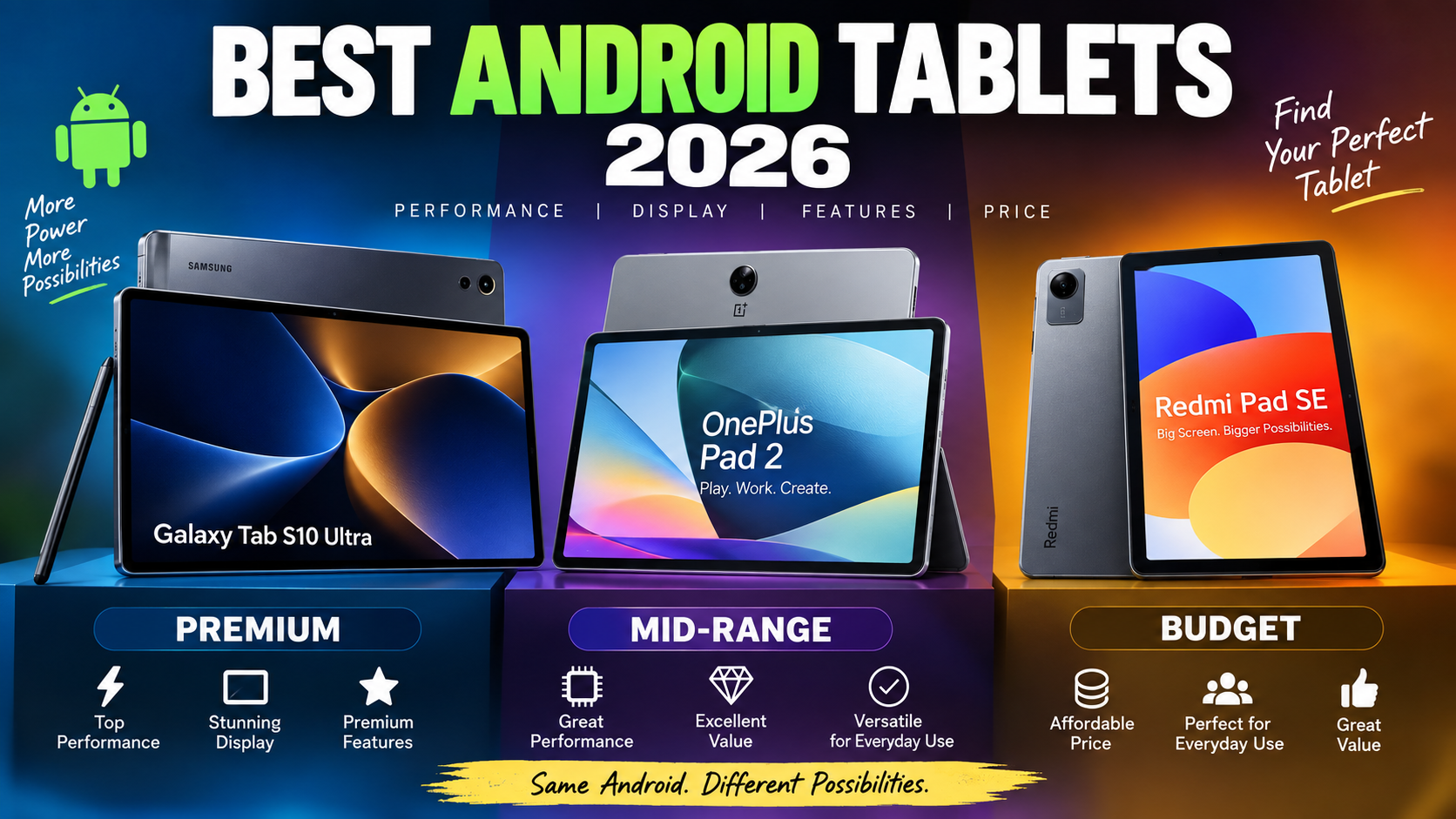
The best Android tablets to buy in 2026 include premium Samsung and HONOR models, performance-focused OnePlus tablets, productivity-oriented Lenovo models, and value-focused Xiaomi and Redmi tablets. The right model depends more on your use case than on its position in a generic ranking.
1. Samsung Galaxy Tab S11 Ultra – Best Premium Android Tablet
The Samsung Galaxy Tab S11 Ultra is one of the strongest Android tablets for premium productivity, creative work, and entertainment in 2026. Its combination of a huge AMOLED display, S Pen support, Samsung’s productivity ecosystem, microSD expansion, and long security-support window makes it particularly attractive to power users.
First, the display is the standout feature. Samsung lists a 36.99 cm Dynamic AMOLED 2X panel with 2960 × 1848 resolution and a 120Hz refresh rate, while peak brightness can reach 1,600 nits under Samsung’s specified conditions.
For example, that large screen works well when you need to review a spreadsheet beside a browser window or annotate a large document with the S Pen.
Second, battery and software support make the S11 Ultra a long-term device rather than just a media tablet. Samsung rates its 11,600mAh battery for up to 23 hours of wireless video playback under its testing conditions, and its listed security-update period runs until September 2032.
Best for: Professionals, creators, students with demanding workflows, Samsung ecosystem users, and buyers wanting a premium Android tablet.
Watch out for: Its large size and premium price make it excessive for basic browsing, YouTube, reading, or casual gaming.
2. OnePlus Pad 3 – Best for Performance and Gaming
The OnePlus Pad 3 is a performance-focused Android tablet designed for demanding multitasking and gaming. It combines Qualcomm’s Snapdragon 8 Elite platform with a 13.2-inch 3.4K display, up to 144Hz refresh rate, 12GB or 16GB RAM, and a 12,140mAh battery.
First, OnePlus specifies a Snapdragon 8 Elite processor, Adreno 830 GPU, up to 16GB LPDDR5X RAM, and up to 512GB UFS 4.0 storage.
For example, those specifications make the Pad 3 a strong candidate if you want one tablet for demanding games, heavy multitasking, streaming, and productivity.
Second, the 12,140mAh battery and 80W charging are major advantages for heavy users. OnePlus also says the tablet supports three Android OS updates and six years of bi-monthly security updates.
The 13.2-inch display uses an LCD rather than OLED, but it offers 3392 × 2400 resolution, up to 144Hz refresh rate, and up to 900 nits HBM brightness.
Best for: Gamers, performance-focused buyers, multitaskers, and users who want flagship-class processing without choosing Samsung’s largest premium tablet.
Watch out for: The LCD panel is less compelling than a premium OLED display for buyers who prioritize contrast and deep blacks.
3. HONOR MagicPad4 – Best Premium Display and Portability
The HONOR MagicPad4 is a premium Android tablet focused on display quality, portability, performance, and AI-assisted productivity. HONOR lists a 12.3-inch 3K OLED display with a maximum 165Hz refresh rate, Snapdragon 8 Gen 5, 4.8mm thickness, and 450g weight.
First, the display is unusually advanced for a tablet. HONOR specifies a 165Hz OLED panel with up to 2,400 nits brightness, while the tablet weighs approximately 450g and measures 4.8mm thick.
For example, the combination makes it attractive to someone who wants a premium screen without carrying a large 14-inch tablet.
Second, the MagicPad4 targets both work and creative use. HONOR lists a Snapdragon 8 Gen 5 processor, AI PC-class productivity features, eight speakers, a 10,100mAh battery, and 66W charging.
Availability is more region-dependent than Samsung or Xiaomi, so check whether the MagicPad4 and its accessories are officially sold in your country before choosing it.
Best for: Display enthusiasts, creators, travelers, premium entertainment, and buyers who value thin-and-light hardware.
Watch out for: Regional availability and accessory support should be checked carefully.
4. Lenovo Yoga Tab Plus – Best for Work and Entertainment
The Lenovo Yoga Tab Plus is a strong productivity and entertainment tablet for buyers who want a large high-refresh-rate display, keyboard support, pen input, and powerful speakers.
First, Lenovo lists a Snapdragon 8 Gen 3 processor, up to 16GB LPDDR5X memory, up to 512GB UFS 4.0 storage, and a 12.7-inch 3K display running at 144Hz.
For example, the 12.7-inch 3K screen gives you more working space for documents, spreadsheets, presentations, and split-screen multitasking than a typical 10- or 11-inch tablet.
Second, the 10,200mAh battery and 45W charging support long sessions away from a wall outlet. Lenovo also specifies six speakers, Harman Kardon tuning, Dolby Atmos, Wi-Fi 7, and support for its Tab Pen Pro and keyboard.
Lenovo states that the Yoga Tab Plus launched with Android 14 and receives three major OS upgrades up to Android 17 alongside four years of security patches.
Best for: Students, remote workers, media consumption, note-taking, and users who want a large-screen productivity setup.
Watch out for: The LCD display does not provide the same contrast as premium OLED tablets.
5. Samsung Galaxy Tab S10 FE – Best Android Tablet for Students
The Samsung Galaxy Tab S10 FE is one of the most practical Android tablets for students and value-conscious buyers. It combines S Pen support, microSD expansion, IP68 protection, a manageable 10.9-inch form factor, and long security support.
First, Samsung lists the Tab S10 FE with an 8,000mAh battery, 10.9-inch-class display, 13MP rear camera, 12MP front camera, and microSD support up to 2TB.
For example, a college student can use the included S Pen for handwritten notes, PDFs, diagrams, and annotations without immediately needing to purchase a separate stylus.
Second, the Tab S10 FE offers a useful combination of durability and software longevity. Samsung gives the model an IP68 rating and lists security support through April 2032.
Samsung’s current India store listings have shown the Wi-Fi 8GB/128GB version around ₹48,000–₹50,000, although promotions and availability can change.
Best for: Students, note-taking, reading, streaming, everyday productivity, and Samsung ecosystem users.
Watch out for: Its LCD panel and mid-range processor are not intended to compete with flagship gaming tablets.
6. Xiaomi Pad 7 – Best Mid-Range Android Tablet
The Xiaomi Pad 7 is a strong mid-range choice for buyers who want a high-quality display and smooth performance without moving into flagship pricing.
First, Xiaomi specifies an 11.16-inch display with 3200 × 2136 resolution, 345ppi, and an adaptive refresh rate up to 144Hz. The panel can reach 800 nits in high-brightness mode and supports Dolby Vision.
For example, that combination makes the Pad 7 particularly appealing for watching movies, browsing, gaming, reading, and everyday multitasking.
Second, the accessory ecosystem makes the Pad 7 more versatile than a basic media tablet. Xiaomi sells compatible keyboard and Focus Pen accessories, although availability can vary. Current Xiaomi India store listings have shown the 8GB/128GB Pad 7 around ₹27,000–₹29,000 depending on the promotion.
Best for: Students, entertainment, casual gaming, browsing, and mid-range buyers.
Watch out for: Buyers seeking the longest software-support window or premium OLED should compare it against Samsung’s higher-end options.
7. Redmi Pad 2 Pro 5G – Best Budget Android Tablet for Battery Life
The Redmi Pad 2 Pro 5G is a strong budget-oriented option for buyers who prioritize a large screen, battery capacity, expandable storage, and cellular connectivity.
First, Xiaomi lists a 12.1-inch 2.5K display with a 120Hz refresh rate, Snapdragon 7s Gen 4 processor, up to 256GB storage, and microSD expansion up to 2TB.
For example, the 5G version can be useful for students or travelers who want internet access without relying constantly on a phone hotspot.
Second, its 12,000mAh battery is one of its most notable specifications. Xiaomi also lists 33W fast charging, Dolby Vision, quad speakers, and 5G connectivity.
Current Xiaomi India listings have shown the 5G model around ₹32,000 for 8GB/128GB during certain promotions, with higher configurations costing more.
Best for: Budget buyers, students, travelers, streaming, reading, and users who want 5G.
Watch out for: It is not intended to deliver flagship-level gaming performance.
Which Android Tablet Is Best for Different Users and Budgets?
The best Android tablet for different users depends on the workload rather than simply the tablet’s overall ranking. A student, gamer, artist, and professional can reasonably choose four different tablets and all make the correct decision.
Best Android Tablet for Students
The Galaxy Tab S10 FE is an excellent student-focused choice because it combines S Pen support, expandable storage, durability, and long software support. Its current feature set is sufficient for lectures, PDFs, handwritten notes, browsing, video classes, and light productivity.
For example, a student studying engineering can annotate lecture PDFs with the S Pen, store files on a microSD card, and use a keyboard when writing longer assignments.
Best Android Tablet for Gaming
The OnePlus Pad 3 is a strong gaming-focused recommendation because its Snapdragon 8 Elite processor, Adreno 830 GPU, 144Hz display, and large battery are designed for demanding workloads.
For example, competitive games that support high refresh rates can benefit from the tablet’s 144Hz panel, while demanding games can make use of its flagship-class chipset.
Best Android Tablet for Productivity
The Galaxy Tab S11 Ultra is the strongest productivity-oriented pick when you want a large display, S Pen, Samsung multitasking features, and a long support period. Its 36.99 cm display gives you substantial space for documents, browser windows, notes, and creative applications.
For example, a freelancer can use the tablet for email, research, document review, client calls, and handwritten planning while using Samsung’s productivity ecosystem.
Best Android Tablet for Drawing and Creative Work
The Galaxy Tab S11 Ultra and HONOR MagicPad4 are particularly interesting for creators because they combine premium displays, high-end processing, and stylus-oriented workflows. The Samsung includes S Pen support, while HONOR offers Magic-Pencil accessories for its premium tablet.
For example, digital artists can prioritize display quality and pen responsiveness, while video editors may prioritize processor performance, storage, and sustained multitasking.
Best Android Tablet for Entertainment
The Galaxy Tab S11 Ultra is an excellent entertainment choice when display quality and audio are more important than portability. Its large Dynamic AMOLED 2X screen and 120Hz refresh rate are well suited to movies, streaming, gaming, and browsing.
For a more affordable alternative, Xiaomi’s Pad 7 provides a 3.2K 144Hz display and Dolby Vision support in a smaller form factor.
What Tablet Specifications Matter Most in 2026?
The most important tablet specifications in 2026 are the processor, RAM, storage, display, battery, software support, connectivity, and accessory compatibility. These specifications determine how smoothly a tablet performs today and how useful it remains over several years.
What Processor Should You Look for in an Android Tablet?
The processor determines much of a tablet’s performance, including app loading, gaming, multitasking, image processing, and AI workloads. Flagship chips such as Snapdragon 8 Elite and Snapdragon 8 Gen 5 sit at the high end, while processors such as Snapdragon 7s Gen 4 and MediaTek Dimensity 8300 target lower price tiers.
For example, OnePlus uses Snapdragon 8 Elite in the Pad 3, while Lenovo’s Yoga Tab Plus uses Snapdragon 8 Gen 3.
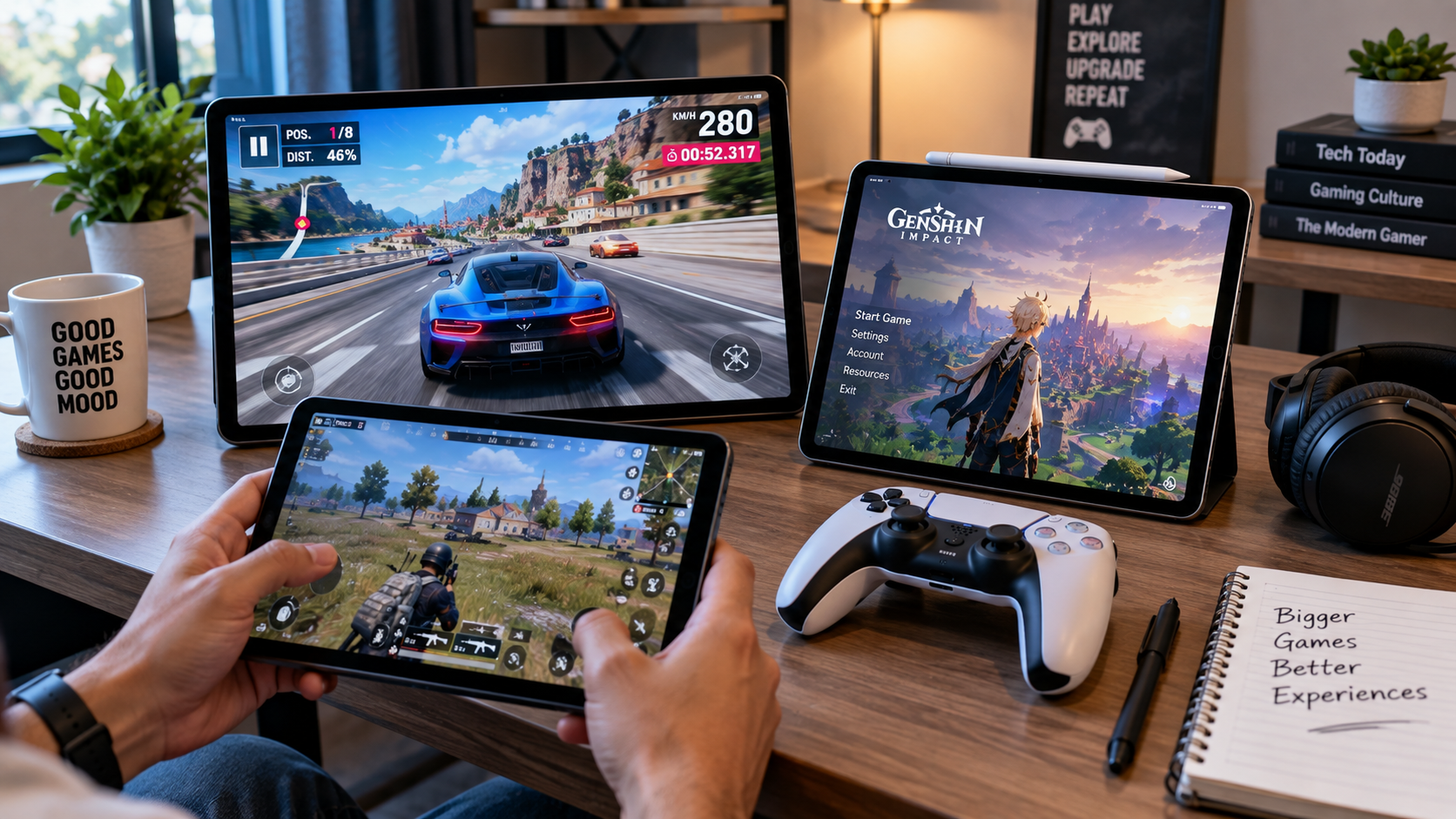
For gaming, processor and GPU performance, refresh rate, thermal management, battery life, and display responsiveness are more important than simply choosing a tablet with the largest screen.
How Much RAM and Storage Do You Need?
RAM determines how many applications a tablet can keep active smoothly, while storage determines how many apps, games, videos, photos, and documents you can keep locally. For most buyers in 2026, 8GB RAM is a sensible starting point, while 12GB or more makes more sense for heavy multitasking and demanding creative workloads.
For example, the OnePlus Pad 3 offers 12GB and 16GB configurations, while the Galaxy Tab S11 Ultra configuration listed by Samsung includes 12GB RAM and 256GB storage.
If you mainly stream content and browse the web, 128GB can be sufficient. If you install large games, edit video, store offline media, or keep professional files locally, 256GB or more is safer.
Is an AMOLED Display Better Than an LCD Tablet Display?
An AMOLED display is generally better for buyers who prioritize contrast, black levels, premium image quality, and immersive entertainment, while LCD panels can offer excellent brightness, high refresh rates, and better value.
For example, Samsung’s Tab S11 Ultra uses Dynamic AMOLED 2X, while the OnePlus Pad 3 uses a 3.4K LTPS LCD capable of up to 144Hz.
The right choice therefore depends on your priorities. OLED is particularly attractive for movies and visual content, while a good LCD can deliver excellent productivity and gaming without the premium cost.
How Important Is Battery Life?
Battery capacity is important, but battery size alone does not determine real-world battery life. Processor efficiency, display brightness, refresh rate, software optimization, connectivity, and your workload all influence how long a tablet lasts.
For example, Samsung lists the Tab S11 Ultra at 11,600mAh and up to 23 hours of wireless video playback under its test conditions, while the OnePlus Pad 3 uses a 12,140mAh battery.
A large battery is especially valuable if you travel, attend classes all day, work remotely, or play games away from a charger.
How Important Is Software Support?
Software support is one of the strongest indicators of a tablet’s long-term value because security updates and Android upgrades help keep the device safer, compatible, and useful.
For example, Samsung lists security support for the Galaxy Tab S11 Ultra through September 2032, while OnePlus promises six years of bi-monthly security updates for the Pad 3.
A tablet with slightly weaker hardware but substantially longer support can be a better long-term purchase than a faster tablet that becomes outdated sooner.
How Should You Compare Android Tablets Before Buying?
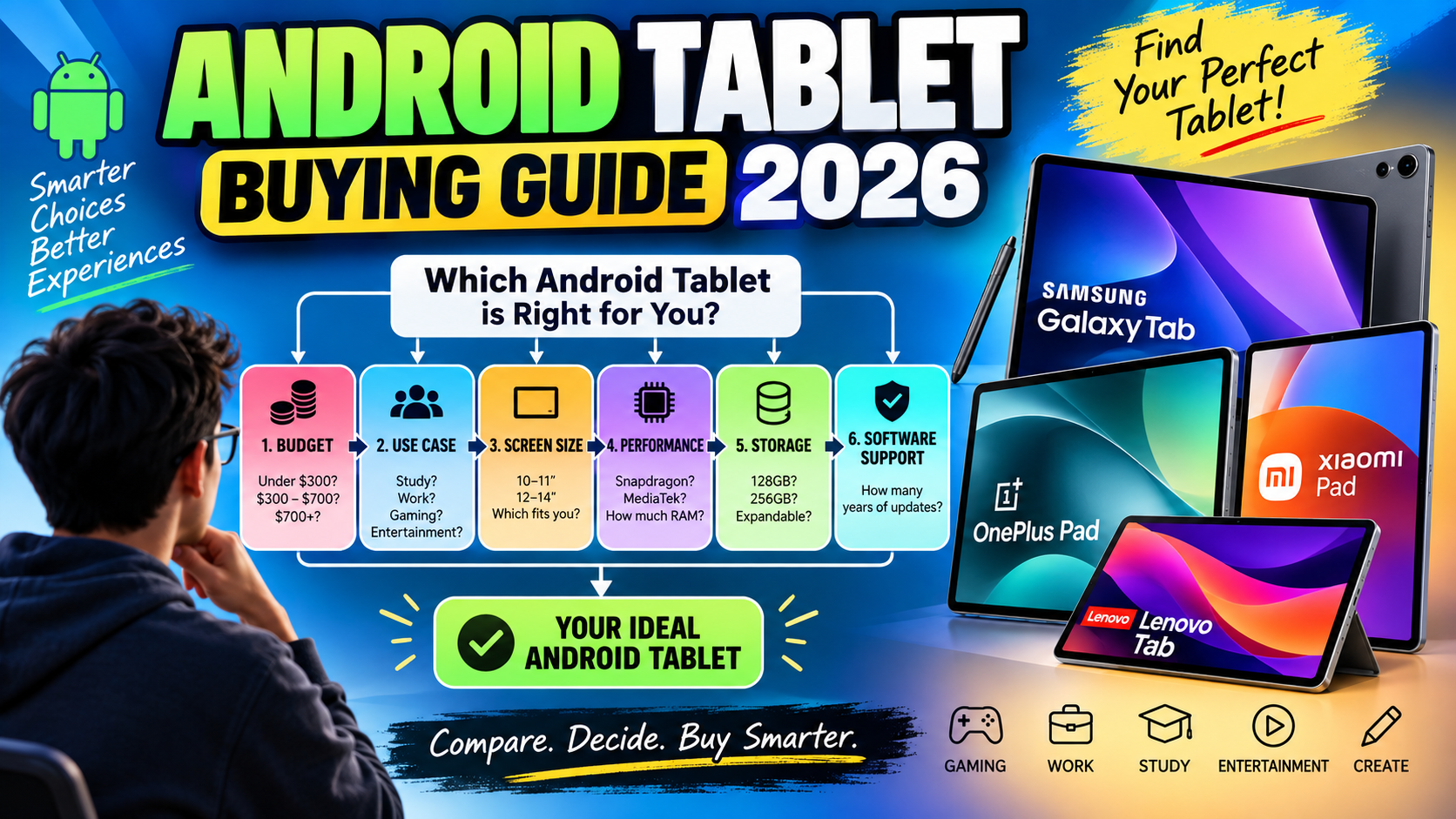
Choosing an Android tablet involves comparing the processor, RAM, storage, display, battery, software-support period, connectivity, and accessory ecosystem against your budget and primary use case.
Step 1: Define Your Main Use Case
First, identify what you will do most often. Your primary activity should determine which specifications receive the highest priority.
For example:
- Study: S Pen, battery, weight, software support.
- Gaming: Processor, GPU, refresh rate, cooling.
- Work: Keyboard, multitasking, display size, software.
- Drawing: Stylus, display, color quality, palm rejection.
- Streaming: Display, speakers, battery.
- Travel: Weight, battery, 5G, durability.
Step 2: Set Your Budget
Second, establish a realistic spending limit before looking at specifications. This prevents premium features from pushing you into a device you do not actually need.
For example, current Indian listings put Xiaomi’s Pad 7 around the high-₹20,000 range during promotions, Samsung’s Tab S10 FE around ₹48,000–₹50,000 for selected configurations, and the Tab S11 Ultra substantially above ₹1 lakh.
Step 3: Choose Your Screen Size
Third, select screen size based on portability versus workspace. Around 10–11 inches is easier to carry, while 12–14 inches gives you more room for multitasking.
For example, the Galaxy Tab S10 FE is positioned around a 10.9-inch display, while the Tab S11 Ultra reaches 14.6 inches.
Step 4: Check the Total Accessory Cost
Fourth, calculate the complete setup rather than comparing tablet prices alone. A keyboard, stylus, case, charger, and storage card can significantly change the final cost.
For example, Lenovo sells its Yoga Tab Plus with configurations that bundle the keyboard and pen, while Samsung includes an S Pen with the Tab S10 FE.
Step 5: Verify Software Support
Finally, check how long the manufacturer promises Android upgrades and security updates. This step is particularly important if you plan to keep the tablet for four or five years.
What Are the Best Tools and Accessories for Android Tablets?
The best Android tablet accessories include a keyboard, stylus, protective case, fast charger, external storage, and compatible productivity applications. Accessories should be selected according to your workflow rather than purchased simply because they are available.
Keyboard and Productivity Accessories
A keyboard is valuable when your tablet replaces part of your laptop workflow. It improves long-form typing, email, document editing, research, and spreadsheet work.
For example, the OnePlus Pad 3 supports a dedicated Smart Keyboard, while Lenovo offers a keyboard pack for the Yoga Tab Plus.
Stylus and Creative Tools
A stylus is useful for handwriting, drawing, PDF annotation, signatures, diagrams, and creative applications. The value is highest when the tablet supports pressure sensitivity, palm rejection, and low-latency input.
For example, Samsung’s S Pen support is built into the Galaxy Tab S11 Ultra and Tab S10 FE, while Lenovo and OnePlus offer dedicated pen accessories for their respective tablets.
Free and Built-In Productivity Options
You do not need expensive software to make an Android tablet productive. Google Docs, Google Drive, Google Meet, Chrome, Gmail, YouTube, Google Keep, and other Android applications can cover many everyday workflows.
For example, a freelancer can use Google Docs for writing, Drive for file storage, Meet for calls, and a tablet keyboard for client communication without purchasing a specialized productivity suite.
What’s Next: How Should You Choose Your Android Tablet?
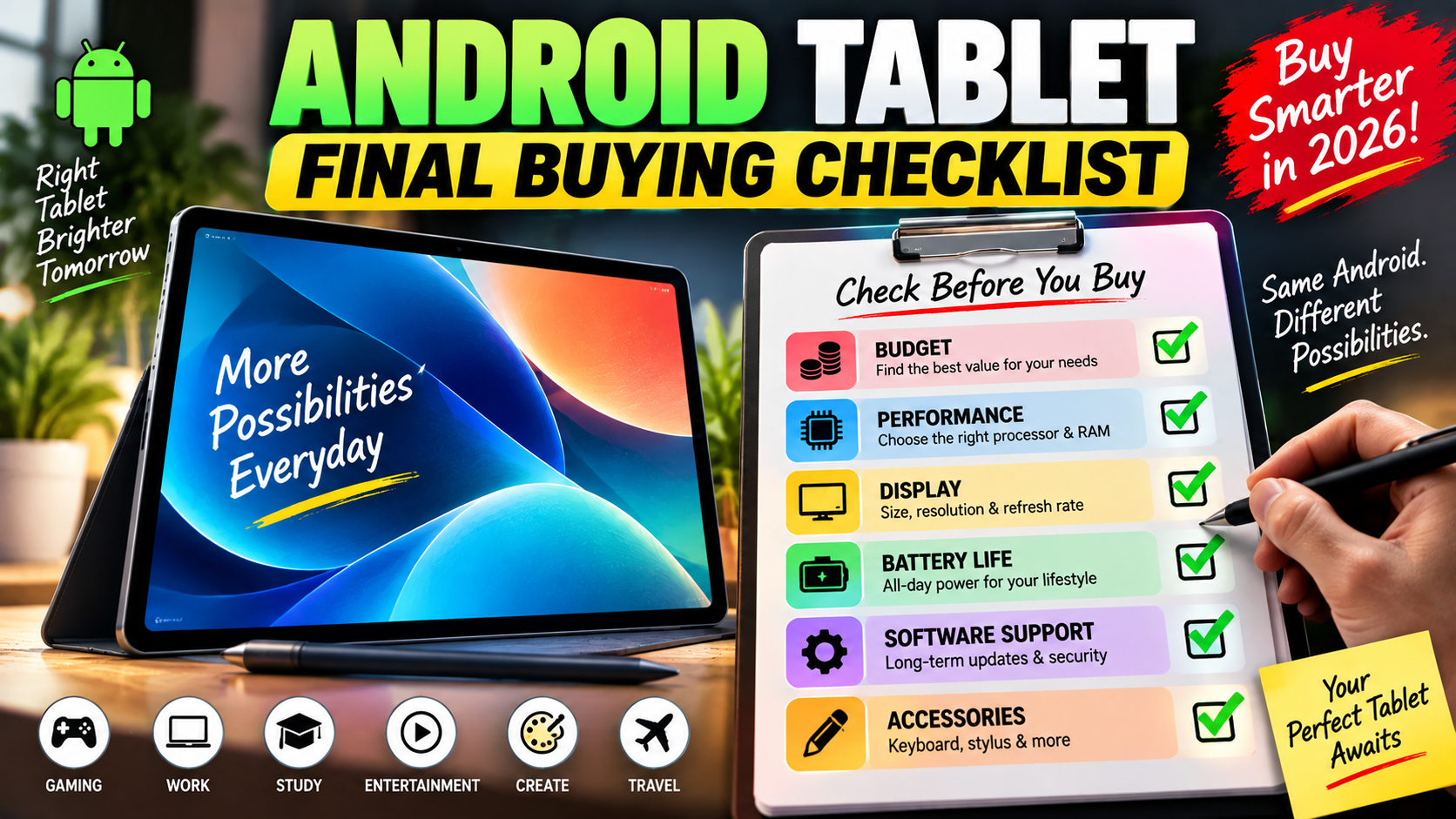
The best next step is to reduce the shortlist to two or three tablets and compare those models against your actual daily requirements. Avoid comparing ten devices indefinitely because the specifications become less useful once several models already meet your needs.
First, use this quick decision framework:
- Under ₹30,000: Look closely at Xiaomi and Redmi models such as the Xiaomi Pad 7 and Redmi Pad 2 Pro.
- Around ₹40,000–₹70,000: Consider value-focused Samsung, Lenovo, Xiaomi, and other mid-range options.
- Premium productivity: Start with the Galaxy Tab S11 Ultra.
- Gaming and raw performance: Start with the OnePlus Pad 3.
- Creative and premium display: Consider HONOR MagicPad4 where officially available.
- Student-focused use: Consider the Galaxy Tab S10 FE.
- Large-screen work and entertainment: Consider the Lenovo Yoga Tab Plus.
Second, do not buy based only on benchmark numbers. A tablet that has a faster processor may still be worse for your workflow if it lacks the stylus, keyboard, software features, storage expansion, or ecosystem integration you need.
Third, verify the exact regional price, RAM/storage configuration, warranty, accessory availability, and software-support policy before placing an order. Tablet configurations can differ substantially between countries.
Conclusion: Which Android Tablet Should You Buy in 2026?
The best Android tablet in 2026 depends on what you actually want to do with it. Samsung Galaxy Tab S11 Ultra is the premium all-rounder for demanding productivity and creative work, while OnePlus Pad 3 stands out for performance and gaming. HONOR MagicPad4 is compelling for buyers who prioritize an advanced OLED display and thin design, while Lenovo Yoga Tab Plus offers a strong large-screen work-and-entertainment experience.
Meanwhile, Galaxy Tab S10 FE is a practical student and everyday recommendation, Xiaomi Pad 7 is a strong mid-range value option, and Redmi Pad 2 Pro 5G makes sense for buyers who prioritize battery capacity, a large display, storage expansion, and cellular connectivity.
Ultimately, the best Android tablet is the one that fits your workflow rather than the one with the longest specification sheet. Decide your budget, identify your main use case, choose the screen size you actually want to carry, and then compare performance, software support, accessories, and total cost.
By following that process, you can avoid paying for features you will never use and choose an Android tablet that remains useful well beyond the first year.

1 thought on “Best Android Tablets 2026 | Top Picks for Every Budget and Use Case”