
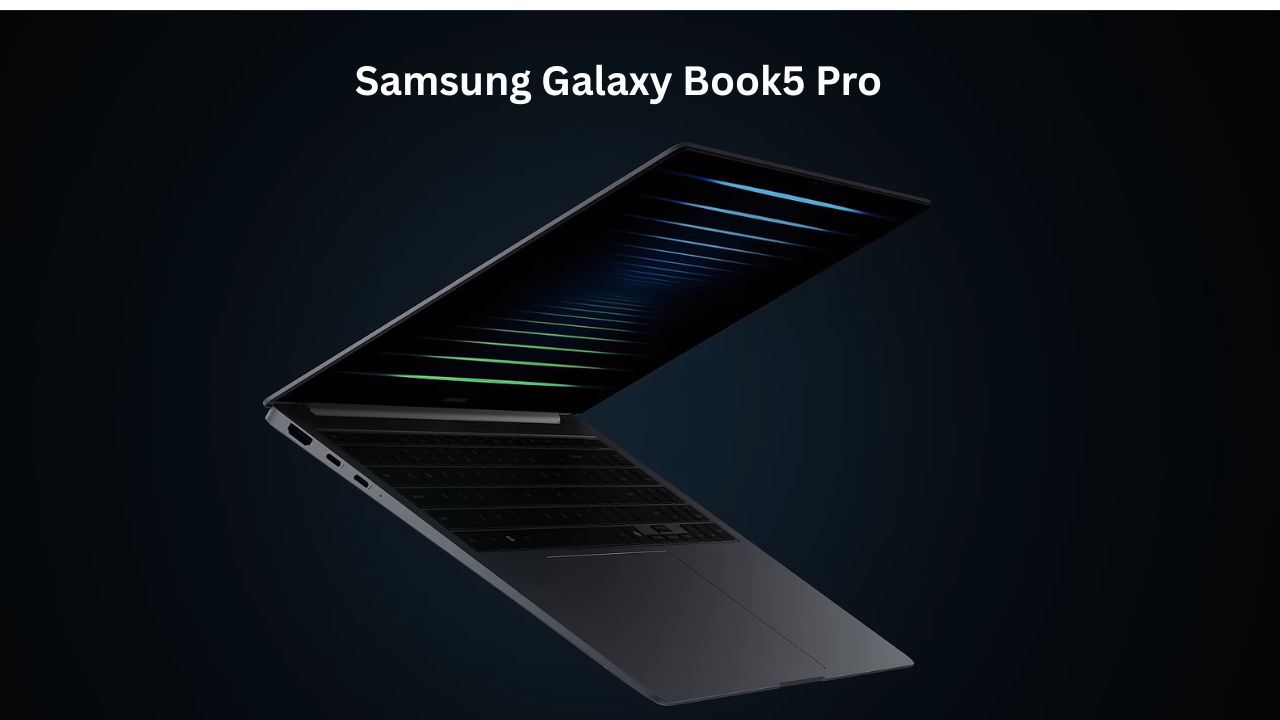
Samsung Galaxy Book5 Pro Review: The New Gold Standard for AI Laptops?
We’ve all been there: sitting in a coffee shop or a mid-day meeting, watching our laptop battery percentage drop faster than our motivation while the fans start sounding like a jet engine. Choosing a premium laptop with “Pro” in the name usually means you’re looking for two things: reliability and power.
The Samsung Galaxy Book5 Pro enters a market dominated by MacBooks and high-end Windows ultrabooks. It matters because it isn’t just a slight spec bump; it represents Samsung’s biggest push into the “AI PC” era using Intel’s latest Lunar Lake chips. After using this as my primary machine for a week—handling everything from 50-tab browser sessions to light video editing—I can tell you if it actually lives up to the hype or if it’s just a shiny, expensive distraction.
Samsung Galaxy Book5 Pro Quick Specs Overview
| Feature | Details |
| Processor | Intel Core Ultra 7 (Series 2 / Lunar Lake) |
| Graphics | Intel Arc 140V (Integrated) |
| RAM | 16GB / 32GB LPDDR5X (On-package) |
| Storage | 512GB / 1TB NVMe SSD (Includes extra expansion slot) |
| Display | 14″ or 16″ 3K Dynamic AMOLED 2X, 120Hz, Touchscreen |
| Battery | 63Wh (14″) / 76Wh (16″), 65W Fast Charging |
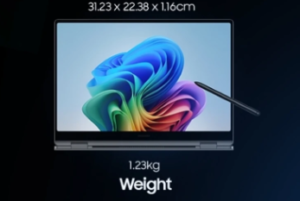
| Weight | 1.23 kg (14″) / 1.56 kg (16″) |
| Ports | 2x Thunderbolt 4, 1x USB-A 3.2, HDMI 2.1, MicroSD, 3.5mm Jack |
| Webcam | 1080p FHD with Staggered HDR |
Design and Build: Simple and Sophisticated
When I first pulled the Samsung Galaxy Book5 Pro out of my bag, the first thing I noticed was how impossibly thin it felt. At roughly 12.5mm, it’s thinner than some tablets with their keyboard cases attached. The metal chassis feels premium—cool to the touch and very rigid. It doesn’t have that “plastic-y” flex you find in cheaper laptops, though if you press really hard in the center of the keyboard, you might notice a tiny bit of give.
The “real feel” of using this daily is portability. I could slide the 14-inch version into a slim sleeve and barely feel it in my backpack while commuting. The keyboard has a shorter travel distance, which took me about half a day to get used to, but once I did, I was typing at full speed. One small quirk: the trackpad is massive. While it’s great for gestures, I had to adjust my palm placement slightly to avoid accidental clicks, though the software’s palm rejection is quite smart.
Display: A Real-World Visual Treat
Samsung is the king of screens for a reason. The 3K Dynamic AMOLED 2X on the Samsung Galaxy Book5 Pro is stunning. In my real-world testing, I took it to a bright balcony to see if the anti-reflective coating actually worked. While it’s not completely matte, it handles glare significantly better than the glossy screens on most competitors.
The colors are deep, and the 120Hz refresh rate makes scrolling through long web pages feel buttery smooth. Whether I was color-grading a few photos or just binging The Bear on Hulu, the contrast ratios made everything look incredibly lifelike. If you’re coming from an older LCD laptop, this screen alone might be enough to justify the upgrade.
Performance: The Power of Lunar Lake
The Samsung Galaxy Book5 Pro runs on the Intel Core Ultra 7 (Series 2). In plain English: this chip is built for efficiency and AI. During my workday, I typically have about 30 Chrome tabs open, a Zoom call running, and Spotify playing. Most laptops start spinning their fans loudly at this point, but this one stayed surprisingly quiet.
The Processor and RAM
The 16GB or 32GB of RAM is “on-package,” meaning it’s right next to the CPU for faster speeds. In my experience, multitasking was seamless. I didn’t see a single “out of memory” error even when jumping between heavy Excel sheets and Canva.
Graphics (GPU)
For gaming, remember that this isn’t a “gaming laptop.” However, the integrated Intel Arc 140V graphics are much better than they used to be. I tested Counter-Strike 2 and League of Legends. On medium settings, they ran perfectly fine at 60+ FPS. If you’re trying to play Cyberpunk 2077 on Ultra, you’ll be disappointed, but for casual gaming or editing a 4K video for social media, it handles the load without breaking a sweat.
Ports and Connectivity: Dongle-Free Life
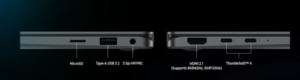
One of my favorite things about the Samsung Galaxy Book5 Pro is the port layout. Most thin laptops force you to live the “dongle life,” but Samsung kept the essentials.
-
The Port Layout: You get a full-size HDMI 2.1 port, which is a lifesaver for presentations. There’s also a USB-A port for those old flash drives or mice we all still have, alongside two Thunderbolt 4 ports.
-
Wireless Connectivity: It supports Wi-Fi 7. While most home routers aren’t there yet, it’s great for future-proofing. In my office, the connection remained rock-solid even at the far end of the hallway.
Camera and Audio
The 1080p webcam is a significant step up from the grainy 720p sensors of the past. The “Staggered HDR” feature does a great job of making sure your face isn’t a dark shadow if there’s a window behind you.
The audio system actually surprised me. Usually, thin laptops sound tinny, but the quad-speaker setup here (with those new, larger 3.8 cm woofers in the 16-inch model) has decent bass. I watched a few movies without headphones and felt the sound was immersive enough to fill a small room.
Battery Life: Truly All-Day
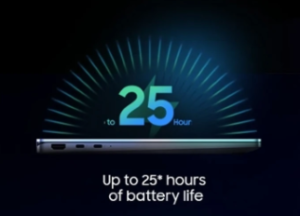
Samsung claims up to 25 hours of video runtime. In my real-life usage—which involves actual work, high brightness, and Wi-Fi—I consistently got about 12 to 14 hours. This is huge. It means I could leave my charger at home for a full workday and not panic when the clock hit 4:00 PM.
When I did need to top up, the 65W charger is tiny—not much bigger than a phone charger. I plugged it in when I was at 10%, and after a 30-minute coffee break, I was back up to nearly 40%.
Pros and Cons
What I Like (Pros):
-
Stunning AMOLED screen with 120Hz and great anti-reflection.
-
Incredible battery life that genuinely competes with the MacBook Air.
-
Lightweight and thin without feeling fragile.
-
Great port selection including HDMI and USB-A.
-
Quiet and cool during normal office work.
What Could Be Better (Cons):
-
Price is premium (starts around ₹1,31,990 / $1,400).
-
RAM is soldered, so you can’t upgrade it later.
-
Keyboard travel is a bit shallow for those who love “clicky” keys.
Comparison: Samsung vs. The World
| Feature | Samsung Galaxy Book5 Pro | MacBook Air (M4) | Dell XPS 13 |
| Display | AMOLED (Vibrant, 120Hz) | Liquid Retina (60Hz) | OLED (120Hz) |
| Weight | 1.23 kg | 1.24 kg | 1.19 kg |
| OS | Windows 11 (Best for gaming/compatibility) | macOS (Best for ecosystem) | Windows 11 |
| Ports | HDMI, USB-A, 2x TB4 | 2x TB4 only | 2x TB4 only |
The Samsung Galaxy Book5 Pro wins on port selection and screen tech. The MacBook Air M4 still feels slightly more “unibody” and rigid, but if you prefer Windows or need to plug in a monitor directly, the Samsung is the clear winner.
Who Should Buy the Samsung Galaxy Book5 Pro?
You should buy this if:
-
You are a student or professional who carries their laptop everywhere.
-
You already own a Galaxy phone (the ecosystem features like “Circle to Search” and “Quick Share” are amazing).
-
You want a laptop that looks as good as it performs.
-
You hate carrying adapters for basic USB or HDMI connections.
You should NOT buy this if:
-
You are a hardcore competitive gamer (get a laptop with an RTX 40-series card).
-
You are on a strict budget (the Galaxy Book “non-pro” models are much cheaper).
-
You do heavy 3D rendering daily.
My Opinion: Is it worth it?
After a week, I’ve realized the Samsung Galaxy Book5 Pro is for the person who wants a “MacBook experience” but on Windows. It’s for the person who values a beautiful screen and a battery that doesn’t die mid-flight. It isn’t the most powerful laptop in the world, but it is one of the most balanced.
Verdict:
The Samsung Galaxy Book5 Pro is easily one of the best Windows laptops of 2026. It finally matches the battery efficiency of Apple Silicon while keeping the flexibility of Windows. If you have the budget, the screen and portability alone make it a joy to use every day.
Asus Zenbook A16 : Powerful Performance, Stunning OLED Display and Long Battery Life

1 thought on “Samsung Galaxy Book5 Pro Full Review – Features, Best Battery & Display, Best Gaming”