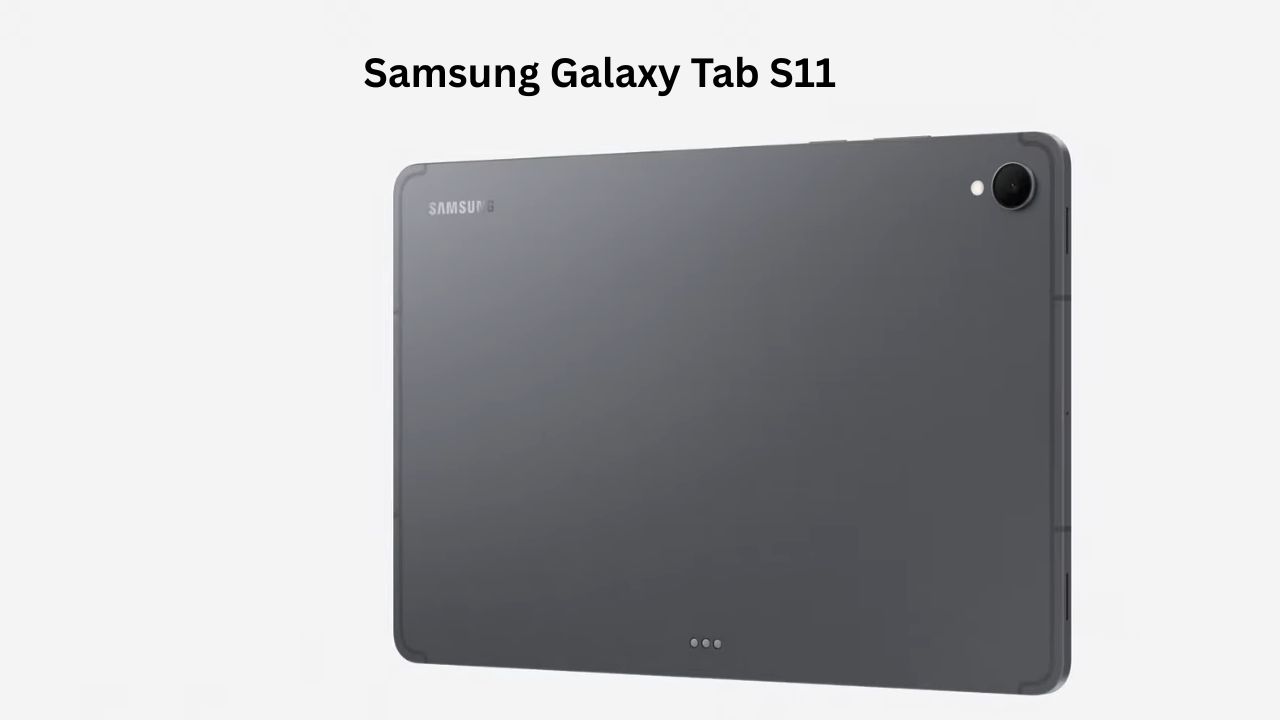
For years, the tech world has debated whether a tablet can actually replace your laptop. While some struggle with clunky software or weak processors, the Samsung Galaxy Tab S11 enters the arena with a different story to tell. It isn’t just a “big phone” anymore; it’s a productivity powerhouse that feels like it was built for people who are tired of carrying heavy bags but don’t want to sacrifice power.
Whether you are a student taking digital notes or a professional who needs to edit documents on a flight, finding a reliable device is a challenge. The Samsung Galaxy Tab S11 aims to solve this by blending high-end hardware with a refined software experience.
Samsung Galaxy Tab S11 Detailed Specifications
| Feature | Specification |
| Display | 11.0-inch Dynamic AMOLED 2X, 120Hz, 1600 nits (Peak) |
| Processor | MediaTek Dimensity 9400+ (3nm) |
| RAM | 12GB LPDDR5X |
| Storage | 128GB / 256GB / 512GB (Expandable up to 2TB) |
| Rear Camera | 13MP f/2.0 (Wide) with LED Flash |
| Front Camera | 12MP f/2.4 (Ultrawide) |
| Battery | 8400 mAh with 45W Fast Charging |
| OS | Android 16 with One UI 8 |
| Durability | IP68 Dust and Water Resistant |
| Weight | 469g (Wi-Fi model) |
Design and Build: Premium Slimness
Holding the Samsung Galaxy Tab S11 for the first time, you immediately notice how impossibly thin it is. At just 5.5mm, it feels more like a slate of glass and aluminum than a piece of electronics. Samsung has used “Enhanced Armor Aluminum” for the frame, which gives it a rigid, high-end feel that doesn’t flex when you’re typing or sketching.
One thing I love is the matte finish on the back. It does a great job of hiding fingerprints, which is a common nightmare for tablet users. The S Pen magnetically snaps to the back for charging, and the click of that magnet is satisfyingly strong—you won’t have to worry about it falling off in your backpack.
Display: A Visual Masterpiece
Samsung is the king of screens, and the Samsung Galaxy Tab S11 proves why. The 11-inch Dynamic AMOLED 2X panel is stunning. Everything from Netflix shows to color-grading photos looks vibrant and deep.
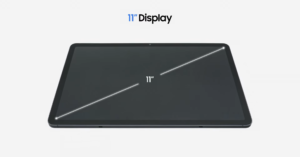
The 120Hz refresh rate makes scrolling through long PDF documents or Twitter feeds feel like butter. I took the tablet out to a bright cafe, and the 1600 nits peak brightness meant I could read my emails clearly even with direct sunlight hitting the screen. If you enjoy watching HDR10+ content, this is arguably the best portable screen you can buy right now.
Performance: Gaming and Multitasking
Under the hood, the Samsung Galaxy Tab S11 features the MediaTek Dimensity 9400+ chipset. In my testing, this chip is a beast. I ran Genshin Impact on the highest settings, and the frame rates stayed consistent even during intense combat scenes.
For multitasking, Samsung’s “Multi-Window” feature is where this tablet shines. I often have a Chrome window on the left, a Note-taking app on the right, and a YouTube video floating in a corner. With 12GB of RAM, the Samsung Galaxy Tab S11 didn’t stutter once. It feels like a genuine desktop-lite experience, especially when you toggle on Samsung DeX.
Camera: More Than Just Document Scanning
Most people don’t buy a tablet for the camera, but the Samsung Galaxy Tab S11 packs a surprisingly capable setup.
-
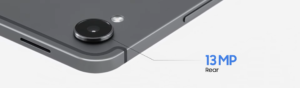
Rear Camera: The 13MP main sensor is great for capturing clear photos of documents or whiteboards. In daylight, the colors are natural and the autofocus is snappy. In low light, it struggles slightly with noise, but the LED flash helps in a pinch.
-
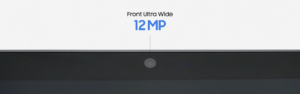
Front Camera: The 12MP ultrawide front camera is the real star. It’s positioned on the long edge, so when you’re in a video call (landscape mode), you actually look like you’re looking at the camera. It captures 4K video, making your Zoom or Teams meetings look professional. The “Auto Framing” feature keeps you in the center even if you move around your desk.
Battery and Charging: All-Day Endurance
The 8400 mAh battery in the Samsung Galaxy Tab S11 is optimized very well. In a typical workday of browsing, writing, and some YouTube watching, I consistently ended the day with about 25% battery left.
If you’re a heavy user, it supports 45W fast charging. However, keep in mind that you’ll need to provide your own 45W brick, as Samsung doesn’t include one in the box. A full charge takes about 80 to 90 minutes, which is reasonable for a battery of this size.
Software: The Galaxy AI Era
Running on Android 16 with One UI 8, the Samsung Galaxy Tab S11 is packed with “Galaxy AI” features. The “Circle to Search” feature is incredibly handy on a large screen—you just circle an image of a pair of shoes or a landmark, and Google finds it for you instantly.
Another highlight is “Note Assist,” which can summarize your messy handwritten notes into a clean, bulleted list. It’s these small touches that make the Samsung Galaxy Tab S11 feel smarter than your average tablet.
My Real-World Experience
After using the Samsung Galaxy Tab S11 as my primary device for a week, here is the breakdown:
-
Gaming: It stays remarkably cool. Even after an hour of Call of Duty: Mobile, I only noticed a slight warmth near the camera module.
-
Battery: I managed to squeeze out 11 hours of continuous video playback on a single charge.
-
Writing: The S Pen latency is virtually zero. It feels as close to pen-on-paper as digital writing gets.
Pros and Cons
Pros:
-
Breathtaking 120Hz AMOLED display.
-
S Pen included in the box (save $100 compared to Apple).
-
Top-tier performance with Dimensity 9400+.
-
IP68 water resistance is a lifesaver for kitchen use or travel.
-
Expandable storage up to 2TB via microSD.
Cons:
-
No 3.5mm headphone jack.
-
45W charging is slow compared to some Chinese competitors.
-
The keyboard cover is an expensive separate purchase.
Comparison: Samsung Galaxy Tab S11 vs. iPad Pro (M5)
| Feature | Samsung Galaxy Tab S11 | Apple iPad Pro (M5) |
| Display Type | Dynamic AMOLED 2X (120Hz) | Tandem OLED (120Hz) |
| Processor | Dimensity 9400+ | Apple M5 Chip |
| Included Stylus | Yes (S Pen included free) | No (Extra purchase) |
| Storage Slot | Yes (microSD up to 2TB) | No (Fixed storage) |
| Multitasking | Samsung DeX (Desktop mode) | Stage Manager |
| Durability | IP68 Water/Dust Resistant | No Water Resistance |
| Best For | Productivity & Value | Pro Video/Photo Editing |
While the iPad Pro has the raw power of the M5 chip, the Samsung Galaxy Tab S11 offers much better value for money, especially since the stylus is free.
Who Should Buy the Samsung Galaxy Tab S11?
-
Students: Perfect for note-taking and digital textbooks.
-
Creatives: A great canvas for drawing and light photo editing.
-
Android Power Users: If you want the best multitasking tablet on the market.
Who Should Avoid It?
-
Professional Video Editors: While capable, iPadOS still has more “Pro” apps like DaVinci Resolve that are better optimized for Apple’s chips.
-
Budget Buyers: If you just want to watch Netflix, the Galaxy Tab A series is much cheaper.
Frequently Asked Questions (FAQ)
1. Does the Samsung Galaxy Tab S11 come with a charger?
No, the box includes the tablet, an S Pen, and a USB-C cable, but you will need to buy a 45W charging brick separately.
2. Can I use the Samsung Galaxy Tab S11 for phone calls?
Yes, the 5G/LTE models support nano-SIM and eSIM, allowing you to make calls and use mobile data just like a smartphone.
3. Is the S Pen waterproof?
Yes! Both the Samsung Galaxy Tab S11 and the S Pen are IP68 rated, meaning they can survive being submerged in 1.5 meters of water for 30 minutes.
Final Verdict
The Samsung Galaxy Tab S11 is the most complete Android tablet ever made. It doesn’t just compete with the iPad; in many ways, like multitasking and value, it actually beats it. If you are looking for a device that can handle work, play, and everything in between without breaking a sweat, this is the one to get. It’s a premium experience that justifies its price tag from the moment you turn on that brilliant screen.