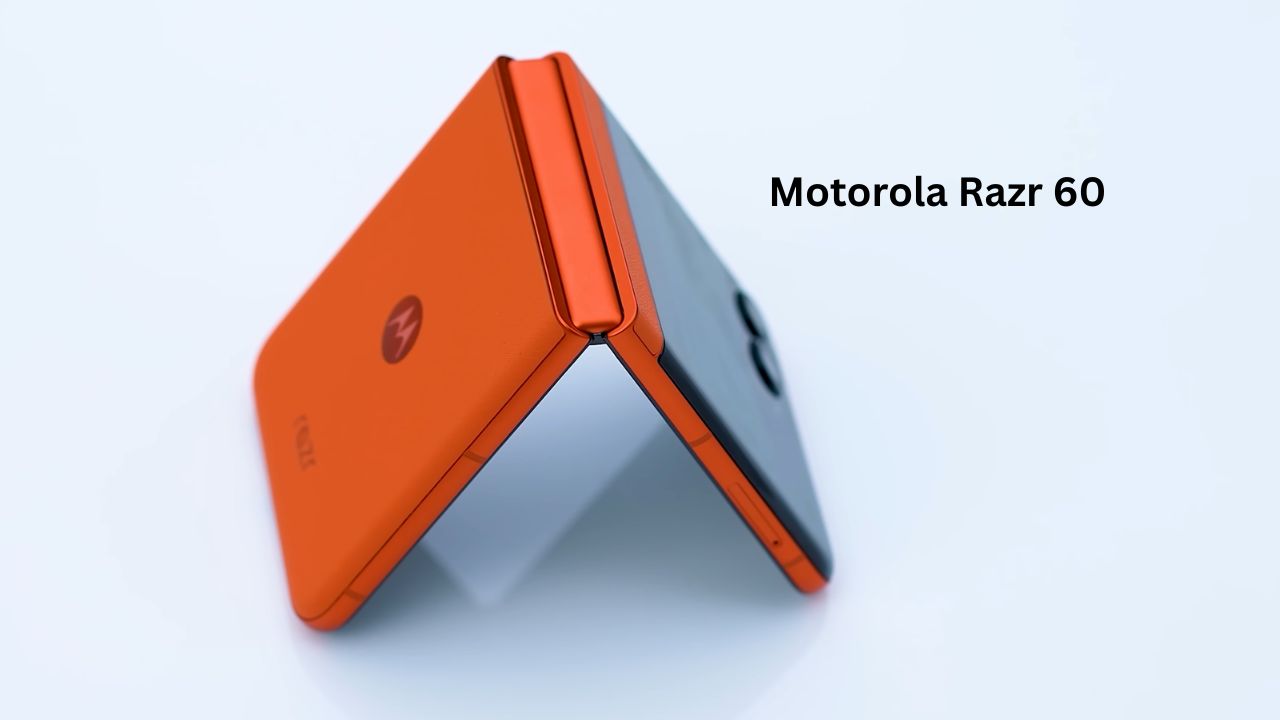
For the longest time, foldable phones felt like expensive toys—flashy, fragile, and far too pricey for the average person. We all loved the “snap” of a flip phone, but nobody wanted to deal with a visible screen crease or a battery that died by lunchtime.
The Motorola Razr 60 aims to fix that. It isn’t just about the nostalgia of flipping your phone shut to end a call; it’s about bringing that high-end foldable tech down to a price point that actually makes sense. After spending a week with this device as my primary phone, I’ve realized that the “middle child” of the Razr family might actually be the smartest choice for most people.
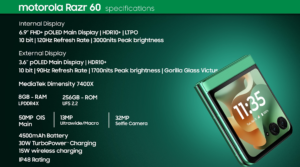
Motorola Razr 60 Detailed Specifications
| Feature | Specification |
| Main Display | 6.9-inch LTPO pOLED, 120Hz, 3000 nits Peak Brightness |
| External Display | 3.6-inch pOLED, 90Hz, 1700 nits |
| Processor | MediaTek Dimensity 7400X (4nm) |
| RAM/Storage | 8GB LPDDR4X / 256GB UFS 2.2 |
| Rear Camera | 50MP Main (OIS) + 13MP Ultra-wide/Macro |
| Front Camera | 32MP Selfie (Internal) |
| Battery | 4500mAh Silicon-Carbon |
| Charging | 30W Wired, 15W Wireless |
| Durability | IP48 Water & Dust Resistance, Gorilla Glass Victus |
| Software | Android 15 with Moto AI |
Design & Build: That Premium “Handshake”
When you first pick up the Motorola Razr 60, the first thing you notice isn’t the screen—it’s the texture. Motorola used a vegan leather (high-quality synthetic) finish that feels incredibly grippy and warm. Unlike glass phones that slide off your couch, this stays put.
The hinge is the star of the show here. It feels “weighted” and smooth. I found myself flipping it open and shut just for the tactile satisfaction. When closed, there is zero gap between the screens, which means pocket lint won’t find its way inside to scratch the sensitive inner display. At 188g, it feels substantial but not heavy.
Display: Two Screens, Zero Problems
The display on the Motorola Razr 60 is where the engineering really shines. You get two distinct experiences that work together to make your life easier.
The Main Inner Screen
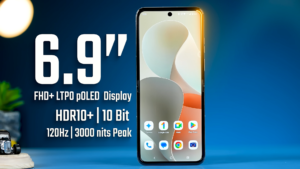
The inner 6.9-inch LTPO pOLED display is a beauty. Because it uses a 22:9 aspect ratio, it’s noticeably taller than your average smartphone. This is a massive win for scrolling through social media like Twitter (X) or reading long-form articles because you can see significantly more text at once without moving your thumb.
-
Real-world tip: The 3000 nits peak brightness is no joke. I’ve used this phone under the harsh midday sun, and the screen remains perfectly legible. You won’t find yourself hunting for shade just to read a text message.
-
The Crease: Motorola has used a “teardrop” hinge design that minimizes the fold. While you can feel it slightly if you run your finger over the middle, it virtually disappears when the screen is lit up.
The External Cover Screen
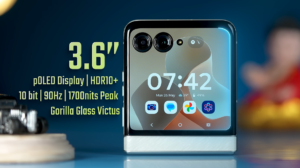
The 3.6-inch pOLED external screen is where the Motorola Razr 60 actually wins. Unlike older flip phones with tiny “ticker” displays, this one is large enough to be a secondary phone in itself.
-
Practicality: You can type out full replies on a QWERTY keyboard, check Google Maps while walking, or even scroll through Spotify playlists without ever unfolding the phone.
-
Efficiency: Using the cover screen saves a surprising amount of battery because you aren’t powering that massive 6.9-inch internal panel for simple, five-second tasks.
Performance: Smooth Enough for the Daily Grind
Under the hood, the Motorola Razr 60 is powered by the MediaTek Dimensity 7400X chipset. Now, to be clear: this isn’t a “hardcore gaming” chip designed to break benchmark records, but for 95% of users, it’s more than enough.
-
Multitasking: During my week with the phone, swapping between Instagram, Chrome, and Spotify was instant. With 8GB of RAM, the phone doesn’t “kill” apps in the background aggressively, so you can pick up right where you left off.
-
Gaming: I put it to the test with Genshin Impact and PUBG Mobile. It runs smoothly on medium-to-high settings at a consistent 60fps.
-
Thermals: After about 40 minutes of heavy gaming, I did notice the top half of the phone (near the camera) gets a bit warm. It’s nothing alarming—just the reality of cramming a processor into a thin, folding chassis—but it’s something to keep in mind if you’re a heavy mobile gamer.
Camera: More Than Just a Social Media Tool
The Motorola Razr 60 features a dual-camera setup on the back and a high-resolution punch-hole selfie camera on the inside.
The Main Camera Setup
The 50MP main sensor is the workhorse here, and it comes equipped with OIS (Optical Image Stabilization). This is a lifesaver for taking sharp photos while walking or in lower light where the shutter stays open longer.
-
Daylight Photography: Photos are punchy and “Instagram-ready” right out of the gate. Motorola’s AI tends to give a slight boost to blues and greens, which makes landscape shots and vacation photos look incredibly vibrant without looking “fake.“
-
Low Light Performance: The “Auto Night Vision” mode kicks in the moment the light drops. It does a great job of pulling detail out of shadows and keeping light flares under control, ensuring your city shots don’t look like a grainy mess.
-
Ultra-wide/Macro: The 13MP secondary lens is surprisingly versatile. It handles wide group shots well, and because it has autofocus, it doubles as a Macro lens for super-close-up shots of flowers or textures.
Video & Advanced Selfie Features
The “Flip” form factor turns this phone into a creative tool.
-
Camcorder Mode: By folding the phone to a 90-degree angle, you can hold it like an old-school camcorder. It feels much more stable for recording long videos.
-
The External Viewfinder: This is the best way to take selfies. You can use the high-quality 50MP main camera while looking at yourself on the cover screen.
-
Internal Selfie: The 32MP internal camera is great for 4K video calls, but for “real” photos, the main lens provides much better skin tones and natural background blur
Battery & Charging: A Full Day’s Work
Foldables used to be notorious for terrible battery life. The Motorola Razr 60 changes the narrative with a 4500mAh battery.
In my testing, I took the phone off the charger at 8:00 AM. After a day of GPS navigation, plenty of Slack messages, and some YouTube streaming, I still had about 15% left by 11:00 PM.
-
Charging: The 30W wired charging isn’t the fastest in the world (it takes about 75 minutes for a full charge), but the inclusion of 15W wireless charging is a nice touch for those who have charging pads at their desks.
My Experience: Living with a Foldable
The most “human” part of the Motorola Razr 60 experience is how it changes your relationship with your phone.
When it’s folded, you’re less likely to fall into a “doom-scrolling” trap because the small screen is for tasks, not endless browsing. I also loved the “Tent Mode”—folding the phone halfway to watch a video while eating dinner without needing a phone stand. It’s the little things that make this form factor worth it.
Pros & Cons
Pros
-
The Price: One of the most affordable ways to get a modern foldable.
-
Durability: The IP48 rating gives peace of mind against dust and splashes.
-
Cover Screen: Large enough to be genuinely useful, not just a clock.
-
Hinge: Feels premium and holds its position at any angle.
Cons
-
Heating: Can get warm during long gaming sessions or 4K recording.
-
Charging Speed: 30W feels a bit slow compared to competitors.
-
UFS 2.2: Storage speeds are okay, but not top-tier for 2026.
Comparison: Motorola Razr 60 vs. Samsung Galaxy Z Flip 6
| Feature | Motorola Razr 60 | Samsung Galaxy Z Flip 6 |
| Battery | 4500mAh (Better) | 4000mAh |
| Outer Screen | 3.6-inch (More Useful) | 3.4-inch |
| Software | Near-stock Android | Feature-heavy One UI |
| Price | Mid-range | Premium Flagship |
While Samsung offers a faster processor, the Motorola Razr 60 wins on battery life and the “cleaner” software experience.
Who Should Buy This?
-
Buy if: You want the cool factor of a flip phone without spending $1,000+.
-
Buy if: You value battery life over absolute raw processing power.
-
Avoid if: You are a professional mobile gamer who needs the highest frame rates.
-
Avoid if: You want a telephoto (zoom) lens—this phone doesn’t have one.
FAQ
Q1: Is the crease visible on the Motorola Razr 60?
In most lighting, no. If you catch it at a specific angle under a lamp, you can see a slight dip, but when the screen is on, it’s virtually invisible.
Q2: Can I run any app on the cover screen?
Mostly, yes! Motorola allows you to “graduate” apps to the cover screen via settings. Some apps might look a bit cramped, but most work fine.
Q3: How long will this phone last?
Motorola promises 3 years of OS updates and 4 years of security patches. Given the solid hinge design, it should easily last you 3-4 years of physical use.
Final Verdict
The Motorola Razr 60 is the first foldable that feels like a “normal” phone that just happens to fold. It doesn’t ask you to sacrifice battery life or screen quality just to have a compact design.
If you’re tired of giant slabs of glass in your pocket and want a phone that is fun, functional, and reasonably priced, the Motorola Razr 60 is currently the best “entry-level” foldable on the market. It’s not perfect, but it’s definitely practical.