
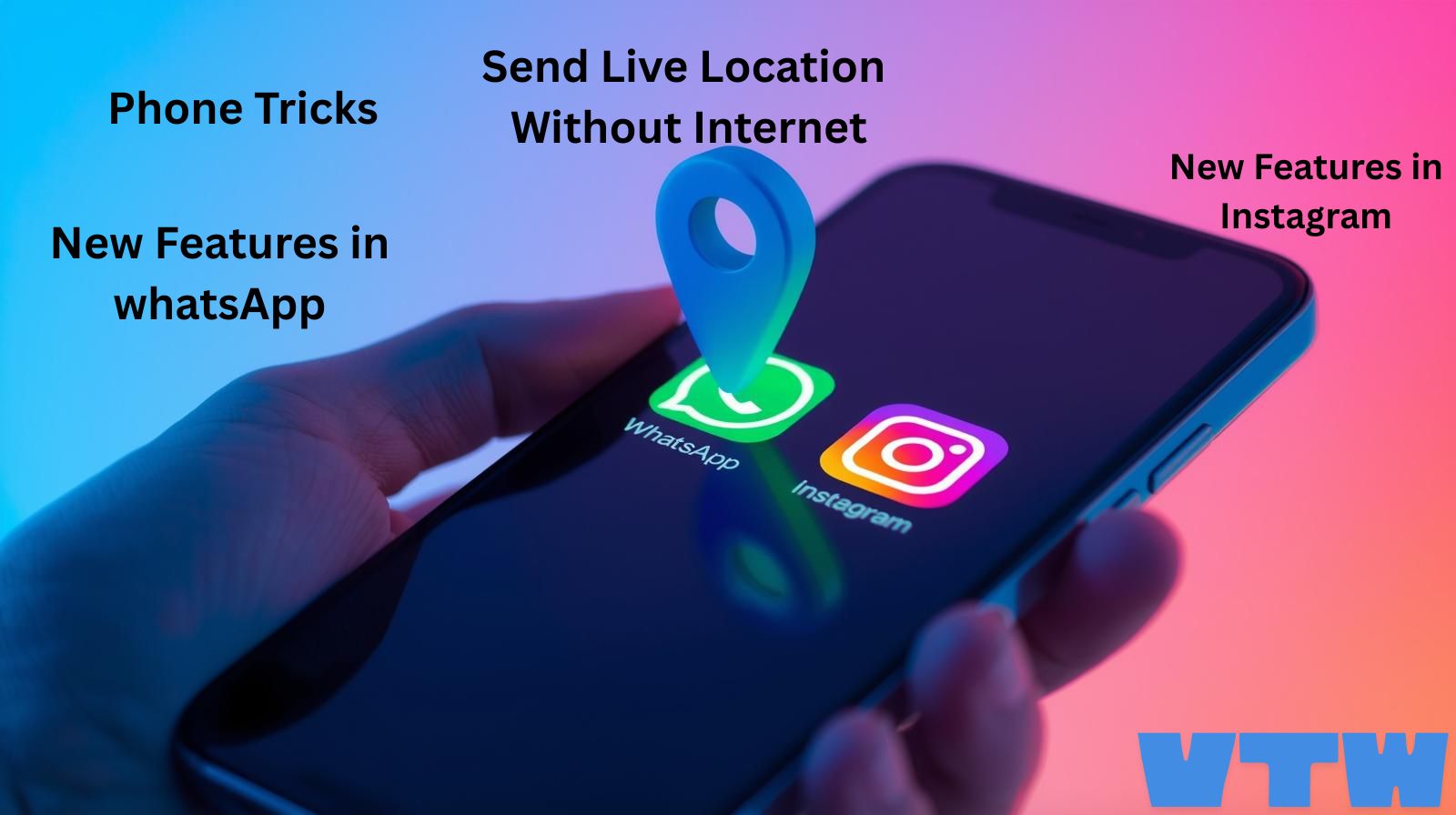
PHONE TRICKS :
Some useful phone tricks now we can see below I’ll write detailed and you can use it whenever you Want. Please share place to your friends and family members thank you Now let’s go to phone tricks
Phone Tricks 1:
How to send a location without Internet:
You want to share live locations but you don’t have Internet in your phone There is one trick you can send your live location without Internet. In your phone open your compass app and copy the longitude and attitude displayed on the compass app and Now open your message app and copy paste the longitude and latitude into your message box.
Now send normal message to your friend or family member. Check once while you copying the right longitude and latitude in compass and send.
Now Receiver will copy that longitude and latitude and open the maps and paste that longitude and latitude in Maps and search for location now they will find your location simply.
Phone Tricks 2:
You can try something New in your Message app.
If you want to share any birthday wishes like happy birthday or happy anniversary Day Through your message app you can send your message and you will get crazy animations in your screen they will feel very happy. You can type any message like happy Christmas Day, Happy New Year , Happy Independence Day,
Phone Tricks 3:
Instagram new feature. New Font Style in Instagram How to find them.
New Fonts in Instagram how to add them. Add story first select your photo and add a text now click on A plus which is appearing at last and fonts will appear select whatever you want which you likes. You can add any photo and any text.
Phone Tricks 4:
A new WhatsApp Trick. If you are a member in a WhatsApp group you can add A tag Below your name.
Now let’s see how to Add A tag below your name Open your group you will find members list click on your name now you will find Member Tag now you can add your name you can’t add emojis only letters save now. whenever you message in group now they can see your tag name below your name. You can tag any name whatever you want.
Phone Tricks 5:
A New WhatsApp Feature
If Any festival comes you want to send wishes for all Friend, relations and colleagues in WhatsApp. For that you want to send Wishes for each one separately. From now you don’t want to send message separately. WhatsApp Came with new feature. Open your WhatsApp click on three dots and click on settings If you want to tell wishes for everyone now Write text.
I am writing on Happy New Year Now Select the duration I will Select one day Now whoever will open your chart now it appears happy New Year. This message will appeal up to 24 hours. You can write any message and you can select any time not only 24 hours you can select one week also the message will appear.
Phone Tricks 6:
A new trick for Android users You have plugged your phone for charge but you not switched on the switch . There is Trick to overcome this Problem.
Open your voice recorder and record your voice. Record 2 audios one is for connected and another one is for disconnect. Now download battery sound notification app from play store. Now click on press button in that app then select connector then select Your Audio file what you Recorded for Connected and upload that audio file .
Whenever You plugged for charge The audio file what you added for connected That audio sound will come. Now again click on plus symbol Now click Disconnect and now add a audio file which you record for dis connect when ever you remove the charging what audio you have added for this dis connect that audio sound will come. You can any audio what you want you can songs or you own speaking voice.
Phone Tricks 7:
How to take screen short of your phone screen. There are many ways. First one scroll down the screen any find screen shot option and conform that it is screenshot button and then click on screenshot and select what type screenshot you want. Long screenshot means it will take photo horizontally full screen .
Area screen shot means you need mark area then it will capture the screen and trick is there to take screenshot use three fingers drag down. Another tick Click power button and volume down button once it will take screenshot.
Phone Tricks 8:
If you phone was theft any one then they will try to switch off your Phone first. after switch off then you can’t find your phone after power off. so for that set lock for to switch off your phone . lets see how to set lock for switch off.
Open settings and got security and Privacy check that if that there is option to lock power off if not go to more settings and then there you will find Unlock to power off enable that and set password it password set option not came the the password your phone lock password no need to set password again.
Phone Tricks 9:
How to hide apps from from main interface of phone or search results. Now lets see.
Now open settings and go to security and privacy in privacy settings there will be three options app encryption and app hiding and privacy password. Now click on app hiding now you set lock for that hidden apps and now select what apps you want to hide. Remember Don’t forget your Password and enter your password 2 times. Check before conforming the password.
For more tech news, smartphone launches, app updates, online shopping deals, and useful digital tips, keep visiting our website regularly. We bring you the latest and use full technology information in a simple and easy-to-understand way. We will post new phone Release Dates and Feature and how it works, Flipkart and Amazon sale updates and details. new features in apps like Gmail, WhatsApp, and Instagram, you will find all in one place. Please visit our website and enable notification you get notify when I post blog. Follow our channel in Instagram, Facebook, YouTube.
Realme 16pro series 5G launched in January 6th 2026
Realme Recently Launched New 16 Pro series Models in Indian Smartphone Market. This Realme 16 Pro And pro Plus Smartphones are attracting with their new design , Powerful Performance, and with their Best Camera. Both realme 16 pro and plus come with AMOLED Displays .
it gives More life Batteries and power full Processors and fast charging support. These Two phones are designed for specially for Photography, Gaming and multitasking. It is use full for gaming Photography and multitasking and video recorder browsing.

Oppo reno15 series : 200MP Camera, 6500mAh Battery, 80W fast charging
Oppo Launched New Reno series in Indian . In 2024 Oppo launched Reno 14 Series for that series continuation Oppo launched New reno 15 series in this year with three different models. Those are Oppo Reno15, Oppo Reno15 Pro, Oppo Reno15 Pro Mini. This Three phones comes with AMOLED Display.
It will give more Battery life and power full Processors and fast charging support. These Oppo Phones are suitable for camera and gaming and Multi Tasking and web Browsing, Video Recording. It gives best performance.





Very good information